How to Use Night Vision Binoculars: A Beginner’s Guide
Ever wonder how to get the clearest view through night vision binoculars? Whether you’re new to these gadgets or just need a quick refresher, knowing the basics can make all the difference.
With a few simple steps, you’ll be able to set them up and start exploring in complete darkness.
Keep reading to learn how to get the most out of your night vision binoculars.
Power On Your Night Vision Binoculars
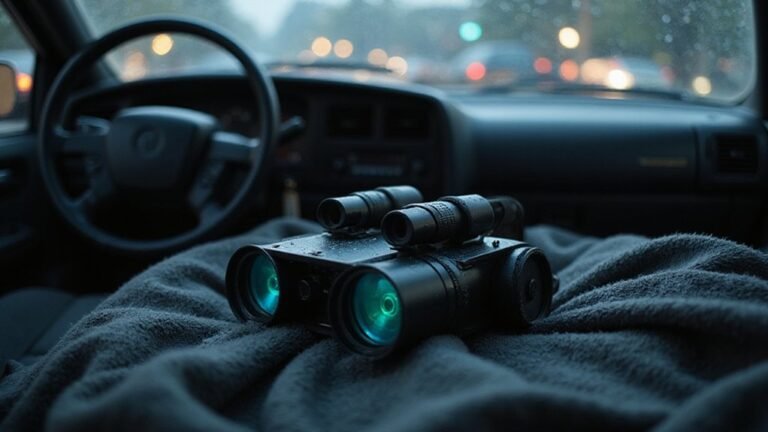
Powering on your night vision binoculars involves a specific sequence beyond simply pressing a button. First, ensure the power source is ready: install fresh AA alkaline batteries, paying close attention to the polarity markings (+ and −). If your model uses rechargeable batteries, make sure they are fully charged before attempting to turn on the device. Dirty or corroded contacts can prevent startup, so clean the battery contacts with a dry cloth or an alcohol wipe. Understanding night vision goggles as an amplifying technology helps explain why even a small amount of ambient light is required for them to function properly.
Next, locate the main power control. The primary power button is usually positioned between the eyepieces and marked with a power symbol. Some units may also feature a master switch located on the bottom—flip this switch to ON. Once the batteries are installed and contacts are clean, press and hold the power button for about 2 to 5 seconds, with 3 seconds being typical. You will recognize the device is powering on when the LCD screen lights up, often defaulting to Photo Mode. If it does not turn on, recheck the battery installation, ensure the batteries are charged, and verify that the master switch is turned on before trying again. Night vision differs from thermal imaging, which detects heat signatures rather than amplifying ambient light, but both are useful for nighttime observation. For a more advanced application, you can integrate a thermal imaging sensor into a custom drone build for aerial heat detection.

【4K Video and 40 MP Photos】Record 4K video and take 40 MP photos during daytime or nighttime observation, so you can revisit wildlife sightings and activity that would otherwise be missed. Files are stored on a compatible microSD or TF card; card not included

Notice: This night vision binoculars does not sell a standalone lithium-ion battery; it contains a built-in, non-removable battery—Model: 955565, Capacity: 5000mAh, Voltage: 3.7V, Energy: 18.5Wh
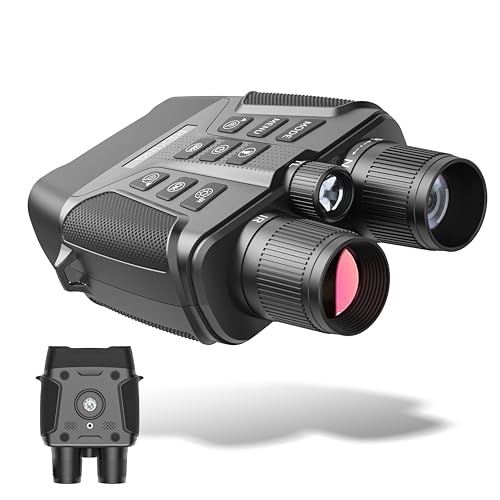
Ultra High Definition 4K Resolution: Capture every moment with crystal-clear 4K (2160p) resolution. Enjoy vibrant details through the premium 25mm lens and TFTIPS display, ensuring stunning visual quality.
Align the Binoculars and Find Your Target
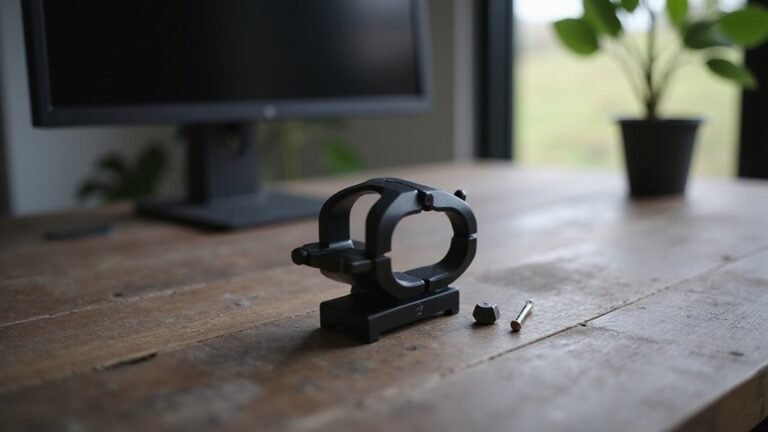
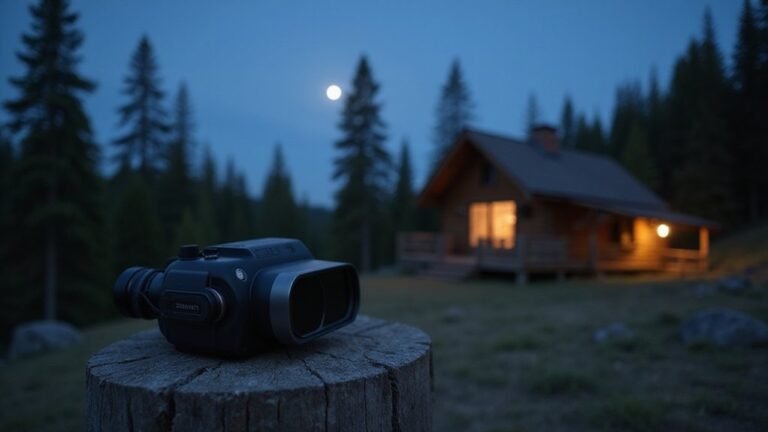
To align the binoculars and find your target, start by securing a stable viewing position—mount the device on a tripod or brace it against a solid support to minimize hand shake. This stability helps reveal misalignments that would otherwise go unnoticed, making it easier to check and correct the alignment. Choose a distant, fixed reference point like a chimney or streetlight; straight lines from these features will clearly show double images if the binoculars are misaligned. Proper collimation results in a single, clear image without double vision. Alternate between your right and left eyes; if the target appears to bounce or shift, you likely have an alignment issue. Use small screw adjustments—preferably with two screwdrivers if necessary—to correct the separation. Make tiny turns and test frequently until the images merge into a single, comfortable view. The edges should be straight and coinciding. Ensure your eyes don’t feel strained; if they do, continue fine-tuning. When the view remains steady and single, your binoculars are properly aligned for sharp, comfortable fusion without dizziness. Similar to a rifle scope setup, using a cantilever scope mount reduces the risk of alignment drift by providing a rigid, single-piece attachment to your support. For optimal clarity in low light, consider models that offer superior performance and high-quality optics to maintain image sharpness during alignment. An infrared illuminator can be added to boost visibility in complete darkness, ensuring your target remains visible during the alignment process.

A two-part system that creates on seamless glassing experience, the Pro Binocular Adapter combines an incredibly sleek form factor with a fast, stable mount to keep you on the move

【Perfect Companion for Night Vision】 – This 57-inch tripod is specially designed for night vision goggles and optical devices, offering the ideal height and stable support. Even in low-light conditions, it keeps your view steady, allowing you to effortlessly capture stunning outdoor and wildlife moments.

【lifelong warranty】Since its launch, the FANAUE brand has brought a good experience to users, and we provide lifelong warranty services.
Focus the Image for Sharp Clarity
To perform diopter calibration, first reveal the right lens and cover the left. Adjust the diopter ring or right eyepiece until the target appears sharp and matches the clarity seen with your left eye. Verify focus with both eyes open; if the image is blurry, repeat the focus step for your left eye before locking the diopter in place. Once set, this diopter adjustment does not change later. During field use, only turn the center wheel to focus on new distances. Avoid forcing any adjustment mechanisms, and keep your hands steady to ensure the clearest, sharpest view. To prevent eye strain, always lock the diopter by pushing it back into place if it has a locking feature. Budget for your gear by researching entry-level night vision models, which offer cost-effective features without sacrificing necessary clarity. For optimal protection during transport, consider building a security box using weatherproof materials to safeguard your optics. While adjusting, refer to the step-by-step guide for your specific device to ensure accurate calibration.
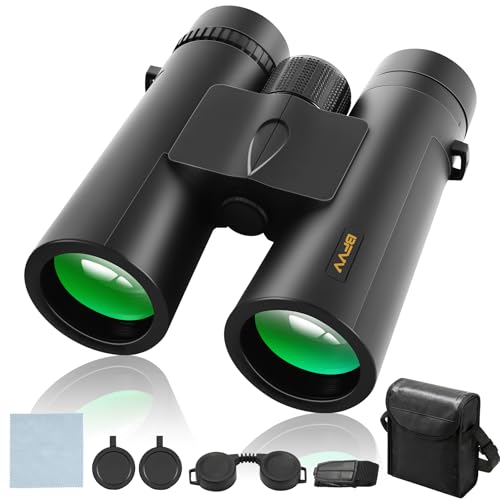
Crystal Clear Detail at 12x Magnification:See the unseen with superior clarity. Engineered for adults who demand precision, these high powered binoculars feature premium BAK4 prisms and FMC lenses to deliver bright, sharp images. With an 87m/1000m wide field of view, you can effortlessly track birds in flight or fast-paced sports, while the 1.5m close focus reveals intricate details on nearby wildlife.

Crystal Clear Night Vision: Experience unmatched clarity in darkness with 7-level infrared illumination. Equipped with dual F1.2 large aperture lenses, a 35mm focal length, and a 7° field of view (FoV), these night vision binoculars offer superior brightness and precision. With 1x-6x magnification, observe details up to 2000+ feet away, perfect for nighttime wildlife observation and navigation.

4K Ultra HD Night Vision & 36MP Photos: Capture crisp 4K videos with audio and sharp 36MP photos. Advanced infrared technology provides clearer viewing in low-light environments, while 8X digital zoom helps magnify distant details for hunting and wildlife observation
Use Infrared and Adjust Brightness for Dark Scenes
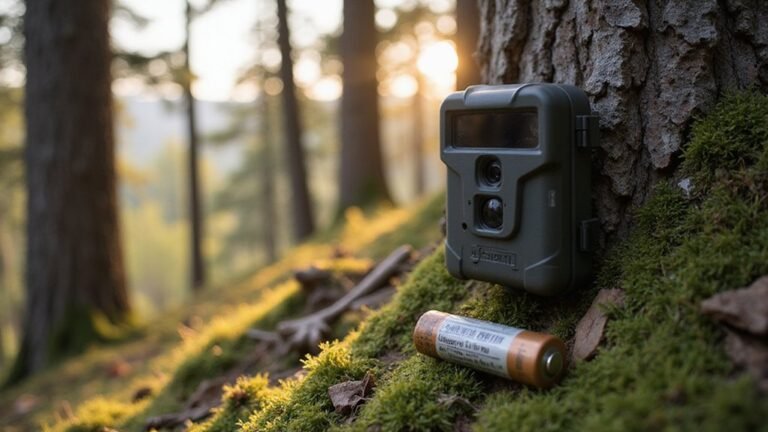
When adjusting for dark scenes, start by activating the infrared illuminator to make the area visible. Once the infrared is on, use the IR button to cycle through brightness levels, typically ranging from 1 to 9. Most devices allow you to press the button repeatedly to change levels, so avoid setting it to maximum right away. Instead, increase the brightness gradually until the scene appears balanced. For extremely dark environments, raise the level until your target details become clear. In partially lit scenes, keep the IR brightness low to prevent overexposure or glare from nearby objects. Keep in mind that thermal cameras can detect heat signatures, but a fart’s heat is too diffuse to be spotted clearly. For remote monitoring setups, understanding quick connect features can simplify pairing your device with a smartphone or base station. Your aim is to see enough detail without creating blinding light or washed-out images. Watch the on-screen indicator as you press the IR button, and stop adjusting when the image looks right. Starting low and increasing slowly yields the best results, making night viewing both clearer and more comfortable. This device includes a night vision equipped INF red sensor and IR button to assist with this process. For a more permanent setup, you can salvage components from an old digital camera to build a dedicated game camera for consistent night monitoring.

NIGHT VISION GOGGLES FOR ADULTS 4K – Experience clear digital night vision with a 4K imaging system and large 4.5" HD screen. Designed for nighttime observation, outdoor exploration, camping, hunting, and wildlife viewing.

WiFi App Live Viewing and Sharing — Connect these WiFi night vision goggles directly to your smartphone to view live footage, take photos, record videos, and download saved files through the app. Photos and videos can be stored locally on the device/microSD card and your phone, with no cloud upload or subscription required for file transfer, helping keep your files on your own devices. Ideal for nighttime animal viewing, family camping, hiking, backyard animal watching, and nature learning. A practical back-to-school gift for teens and a thoughtful outdoor gift for dads, husbands, campers, and nature lovers.

Built-in Compass for Easy Navigation – Our 4K digital night vision binoculars feature a built-in compass, ensuring you stay on track in the wild. Whether for tactical use, infrared (IR) night hunting, or outdoor adventures, these nocturna nightvision goggles provide reliable navigation in complete darkness.
Capture Photos and Video With Night Vision Binoculars
To capture photos and videos with night vision binoculars, simply use the controls to switch modes. Press the mode button to toggle between photo and video modes. In photo mode, align your target, adjust the focus ring for clarity, and press OK or SNAP to take a picture. For videos, switch to video mode, press the same button to start recording—indicated by a red recording dot—and press again to stop. Recorded files are saved automatically to your microSD card under Media storage. You can review your footage directly on the device in playback mode. To share your content, connect the binoculars to your PC via USB, where they will appear as removable storage, making transfer of photos and videos straightforward. For stable image capture at long distances, mount the binoculars on a standard tripod to reduce shakiness. When lighting conditions are extremely low, infrared illuminators can significantly boost visibility without alerting wildlife.

The Bushnell binocular tripod Adapter easily mounts most binoculars to tripods or window mounts
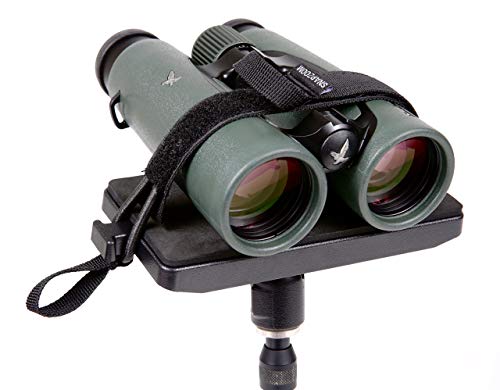
Compatible with a wide range of binoculars

360° Rotatable Ball Head for Full Angle Freedom --- Featured with a 360° rotation ball head, this mini tripod enables seamless horizontal swivel and vertical tilt. You can freely adjust and lock any viewing angle, ideal for low-angle viewing, landscape shooting, wildlife observing and daily video recording.