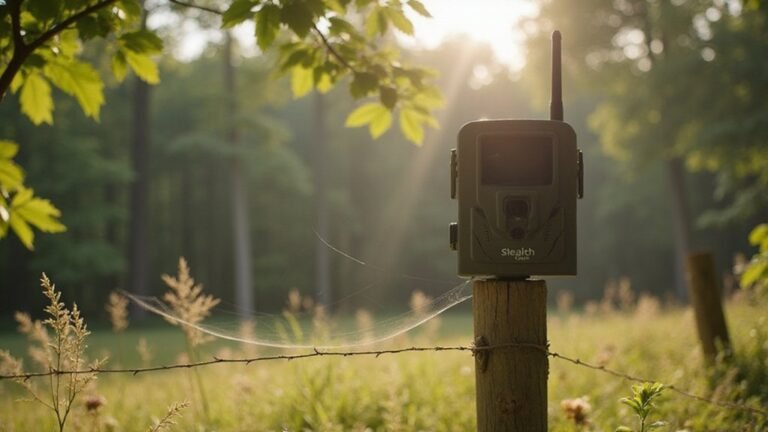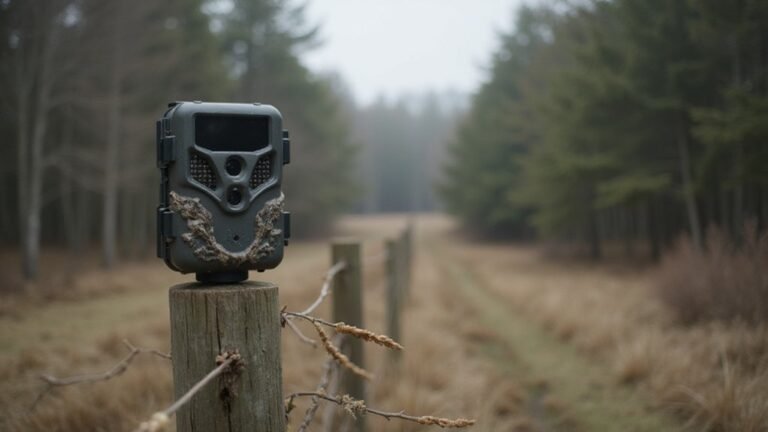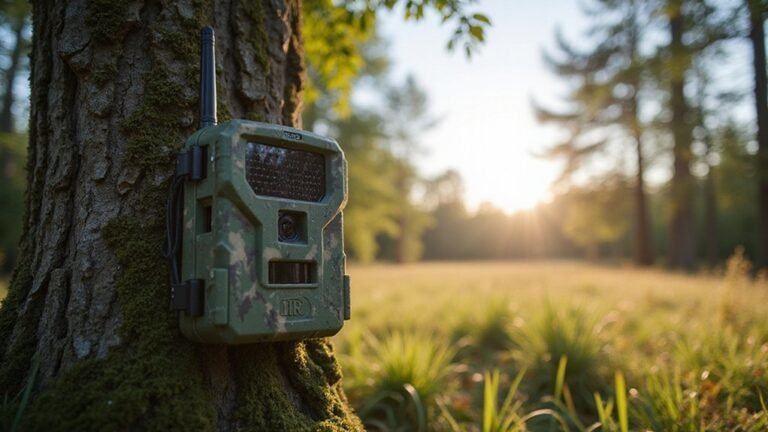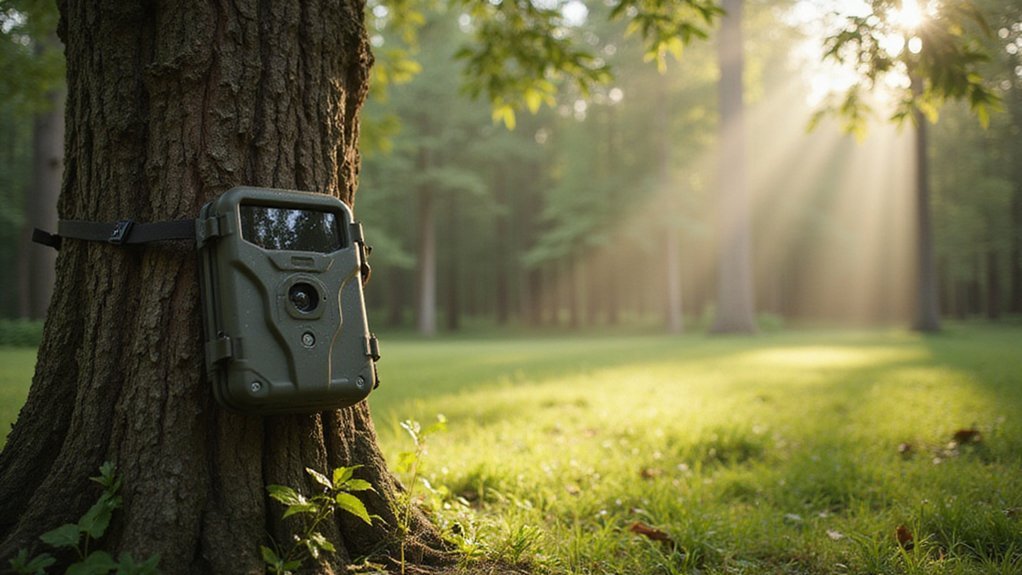
How to Set Up Your Tactacam Reveal Trail Camera
Setting up your Tactacam Reveal trail camera can seem straightforward, but knowing the right steps helps you avoid common issues. From unboxing to activating cellular service, you’ll want to double-check each part for a smooth start.
Once set up, you’ll easily monitor wildlife or property with confidence in its connection. Read on to get your camera ready in minutes.
Unbox Your REVEAL Camera and Gather Required Accessories
Unboxing your REVEAL trail camera and gathering all necessary accessories before setup ensures a smooth installation process. Carefully remove any protective stickers from the camera body. Open the battery compartment and insert 12 lithium AA cells, which provide longer field life and reduce the frequency of replacements. Insert a standard SD card to optimize storage, even if the camera has internal memory; this prevents missed shots and increases flexibility. Verify that your camera’s model matches the correct power and storage configurations. Check for your cellular SIM card—either Verizon or AT&T—and confirm your carrier covers your area for reliable cellular access. The camera features a low glow infrared system for effective nighttime imaging without spooking animals. Finally, inspect the mount point and any included solar panel accessories. For scenarios requiring extreme detection range in total darkness, thermal imaging captures heat signatures rather than relying on ambient light. Understanding how image intensification amplifies available light can help you compare your camera’s low-light limits against other optical devices. If you later need to restore factory defaults, a full reset clears all user settings and network connections to resolve connectivity issues. Completing this check now can prevent the need for additional trips or adjustments later.

12V BATTERY BOX - This Stealth Cam Battery Box is a game-changer for scouting enthusiasts facing the challenges of cold climates during deer seasons; Bid farewell to dead batteries with this battery pack designed to endure the harshest conditions

HUNTING SOLUTION - Ensure reliable and long-lasting energy for your wildlife feeder with the Wildgame Innovations Edrenaline rechargeable battery; This tab-style battery allows you to recharge it multiple times for extended use and consistent performance

Attach the Antenna Without Damaging the Port
To attach your REVEAL trail camera’s antenna without damaging the port, start by threading it in by hand. This prevents cross-threading, which can cause permanent damage. Ensure the connector seats naturally—if it resists or feels misaligned, back it out and try again. Once it’s properly aligned, hand-tighten until it feels snug; avoid using tools or excessive force. Over-tightening can crack or strip the port, jeopardizing the connection and weatherproofing. Check that the antenna sits straight and doesn’t wobble, as a loose connection can weaken your signal. When using a booster antenna, route the cable with a drip loop and plenty of slack to prevent tension on the port during windy days or handling. Avoid sharp bends or pulling on the threads, which could pull out or damage the port over time. A well-aligned, snugly attached antenna ensures reliable cellular performance and weather resistance. The new design features a recessed, fixed SMA/RP SMA jack that prevents the port from spinning during tightening, which improves long-term durability. Unlike human eyes, which do not glow under night vision and instead rely on reflected infrared light, this antenna port relies on proper physical alignment for connectivity. For a secure fit, always verify the thread pitch matches the port before final tightening, just as you would check the alignment of a cantilever mount’s base rings to ensure even pressure across the rail. When building custom drone components, applying thermal paste to heat-sensitive electronic connections can prevent overheating during extended operation.
Install the Right SD Card and Batteries the Correct Way
Insert a full-size Class 10 U3 SD card, preferably 16GB or 32GB, into the slot until it clicks securely. This type of card offers the necessary speed and capacity for reliable recording and smooth footage playback. Before first use, format the card directly in the camera to prevent errors and ensure compatibility. Use a reputable brand like SanDisk, Lexar, or Tactacam for enhanced durability and performance. The included 32GB SD cards ensure quick storage and easy setup for field deployment. For routine maintenance, you can also clear the card directly through the camera’s menu to avoid pulling it out frequently. Using a compatible SIM card model allows your camera to send real-time alerts directly to your phone. Unlike optical zoom, your camera’s digital zoom reduces image quality, so night vision goggles with better low-light sensors can help you verify targets in darkness.
Next, install 12 AA batteries or the REVEAL Lithium Cartridge, making sure each one is oriented correctly with the terminals aligned as shown after pressing the EJECT button on the tray. Use fresh alkaline or NiMH batteries for maximum lifespan, and ensure each sits snugly to avoid power issues. Once batteries are in place, close the tray firmly. Proper insertion and choosing quality batteries help prevent camera malfunctions and extend operational time.

Shot speeds up to 60MB/s, transfer speeds up to 100MB/s (Up to 100MB/s read speed. Write speed up to 60MB/s. Based on internal testing; performance may be lower depending upon host device. 1MB=1,000,000 bytes.)
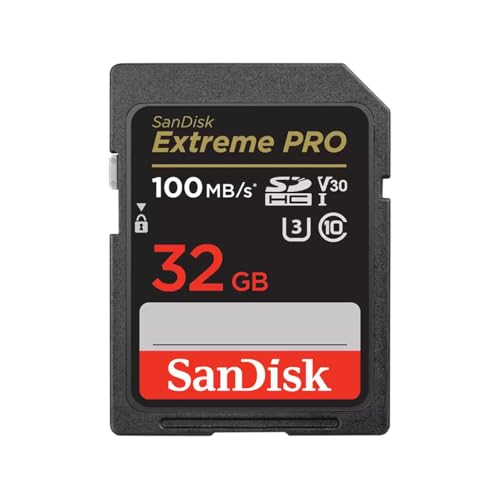
Shot speeds up to 90MB/s, transfer speeds up to 100MB/s (Up to 100MB/s read speed. Write speed up to 90MB/s. Based on internal testing; performance may be lower depending upon host device. 1MB=1,000,000 bytes. X = 150KB/sec.)

Download the REVEAL App and Add Your Camera
Download the REVEAL App and add your camera to start managing it easily. Inside the app, you can activate your camera, perform software updates, and keep everything current without searching for manuals. To add your camera, tap the camera icon, then select the plus button. You will need to scan the QR code on the camera body to link it to the app. After linking, follow the prompts to choose a data plan—monthly or yearly—to enable cellular features. The app serves as your central hub for viewing images, adjusting settings, and managing your camera’s functions all in one place. When prompted, input recommended SD card info to ensure proper storage for captured images. If your camera is inactive, you can reactivate the service directly through the app’s subscription section. For a similar visual guide, consider the step-by-step approach used to draw night vision goggles, which emphasizes tool selection and clarity. For hunters seeking advanced detection, a thermal drone can provide superior heat signature tracking across diverse terrain.

32GB SD (4 PK)

AMPLE STORAGE CAPACITY - HME SD Cards come in various storage capacities, ranging from 8 GB to 32 GB; This variety allows to choose the card size that best suits your specific needs, ensuring enough storage space for their trail camera images and videos
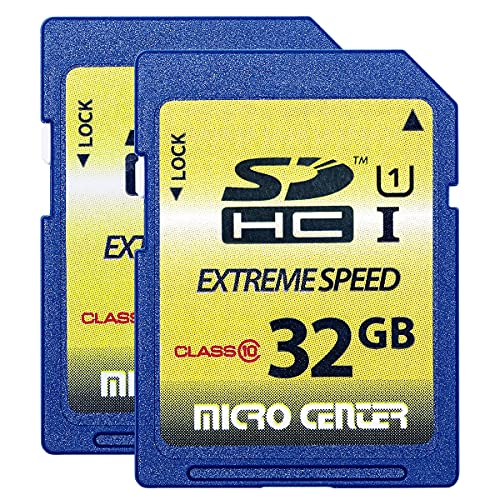
Full-size SD card, 32GB SDHC flash memory card 2 pack. Not compatible with mobile phones due to physical dimensions
Scan the QR Code and Match Your Cellular Plan
After installing the batteries, open the REVEAL app and locate the QR code inside the camera’s camera door or lid. Scan this QR code to activate your camera. The placement of the QR code is intentional—it links your specific camera to your account. Keep your camera in Setup Mode during this step to ensure successful activation. Using night vision technology, the camera captures clear images in low-light conditions. It is important to verify that Setup Mode is enabled by checking for a flashing green LED indicator on the camera.
Next, select your cellular plan options. The app will prompt you to add a plan, offering both monthly and yearly subscriptions. Yearly plans are more cost-effective and save you money over time. Choose the plan that best fits your needs; payment is processed securely within the app. Your camera has an internal SIM that automatically scans for the strongest available carrier signal, so your phone’s carrier doesn’t impact this process, and this internal SIM card eliminates the need for external SIM swaps. Before committing to a plan, weigh your long-term usage against the upfront savings of a yearly subscription, just as you would compare the performance versus cost of different optics.
Once you’ve matched your plan, activation typically takes a few minutes. Watch the signal status change from “searching” to “connected.” When the camera is connected, you’re all set to continue setting up your device.

【Good value for money】 Experience premium cellular wildlife monitoring at an unbeatable value! This feature-packed cellular trail camera delivers exceptional quality with 4G transmission (SIM card included), easy app control, and night vision powered by low-glow infrared LEDs. Setting up is simple with the detailed instructions. It boasts a lightning-fast 0.2-second trigger speed, comes ready to use with a 32GB memory card and 8 AA batteries included, and is built tough with an IP66 waterproof rating. It operates reliably in extreme temperatures from -4°F to 140°F (-20°C to 60°C) and records videos in MP4 format. Trail camera allow you to monitor wildlife behavior without disturbance

【Pinpoint Detail & Built for Observing Wildlife!】 Capture evidence-grade images, stunning 48MP HD resolution photos and 2k videos. Clearly view deer, wild boar, and other animals as they pass by, day or night. The trail cameras with night vision motion activated waterproof built to endure harsh outdoor conditions. And it's the ideal companion for wildlife observers, equipped with a 940nm no-glow infrared LED that does not disturb animals at night

4G LTE CELLULAR CONNECTIVITY FOR REMOTE AREAS: Operates seamlessly on 4G LTE nationwide networks (Verizon/ AT&T/ T-Mobile) to provide reliable cellular connection in off-grid locations. No Wi-Fi needed. Ideal for hunting, deer scouting, wildlife monitoring, farms, and outdoor properties. Note: Once paired with your phone, this cellular trail cam can still be triggered by motion and record videos to the local memory card(Not Included) even when it goes offline due to cellular service being suspended
Pair Your Phone to the Camera in SETUP Mode
To pair your phone with the camera, first put the camera into SETUP mode. Turn the dial until the Wi‑Fi indicator blinks blue—that signals it’s ready. Then, open the REVEAL app, go to the Account page, and select Connect to REVEAL Wi‑Fi. Follow the instructions in the app. Alternatively, access your phone’s Wi‑Fi settings, choose the REVEAL network, and enter the password Reveal2021. Make sure to enable location services when prompted in the app. This connection is for setup only and does not provide internet access. To avoid interference, disable Bluetooth during setup. Keep the camera in SETUP mode only while pairing; once connected, turn off Wi‑Fi to conserve battery. Unlike a Pulsar thermal device which uses passive infrared heat detection to identify wildlife, this setup step is for visual camera alignment. For protection from the elements, you can also build a security box using a DIY guide to house the camera. Following these steps ensures a smooth pairing process. Note that this connection is primarily for aiming and managing the camera, not for full activation. You can also use a DIY night vision guide to learn how to build a camera with enhanced low-light capabilities for similar outdoor monitoring.
Switch to Work Mode and Wait for REVEAL’s 4G Signal
After the camera completes its carrier search and detects the strongest 4G signal, press the left navigation arrow to switch into work mode. The screen will turn black, which is normal and not a malfunction. This indicates that the camera has entered its operational state. If you don’t manually press the arrow, the camera will automatically do so after a 30-second countdown. The camera is also capable of capturing 1080p FHD video and live images accessible through the app. As with any surveillance equipment used outdoors, be aware that spotlighting deer without a gun may still be subject to local wildlife regulations. For nighttime monitoring, users often compare the PVS-14 vs. PVS-31 to decide which device best suits their surveillance needs.
Ensure the signal is stable by waiting for the green LED indicator to stay constant. A fluctuating or flashing LED suggests an unstable connection. Check that the power supply is secure, as inadequate power can interrupt the search process. After entering work mode, it may take one to three minutes for the signal to stabilize fully. Avoid rushing during this period. Once the display turns off, your Tactacam is ready to capture and transmit images. Mount it securely and let it perform its functions.
Verify Your REVEAL Camera Is Sending Photos
To verify your REVEAL camera is sending photos, first put the camera in SETUP mode and wait until it establishes a stable cellular connection. Then, press the TEST button. A green status light indicates the photo was successfully sent; a red light means the transmission failed. This manual test is the quickest way to confirm if your camera is transmitting images correctly.
Next, open the REVEAL app and check if the test image appears in your camera feed. If it doesn’t, your camera might be capturing images locally but failing to transmit them electronically. Remember, signal indicators alone do not guarantee successful delivery—always verify through the app. The Tacticam Reveal X3.0 represents the latest technology in trail cameras, announced for 2024 release.
Then, switch the camera to ON mode and observe the check-in status in the app. It should update with current battery level, signal strength, and operational data. Enable check-in pictures within the app to monitor ongoing transmission activity and identify any delays.
Finally, ensure there are no account or app issues affecting photo transmission. Confirm that your IMEI and ICCID numbers match the details in your app. Be aware that sync delays, photo limits, or inactive service plans can block photo sending. Verify your account status before assuming hardware failure if photos are not transmitting.
Aim the Camera at the Right Height and Angle
Your camera’s height and angle are crucial for optimal detection. Aim the camera at about eye level or slightly higher, depending on the species you want to capture. Position it so that it points diagonally down the trail at roughly a 45-degree angle. This angle allows the camera to maintain animals in the detection zone longer and keeps them centered in the frame. Avoid facing the lens toward the sun; instead, face it north or away from direct sunlight to reduce glare and prevent washed-out images. Clear away any brush or weeds within 5 to 10 yards in front of the camera to ensure an unobstructed view. Use a moderate downward tilt—too steep, and you limit your detection range; too flat, and you might miss the animals entering the scene. For turkeys, hanging the camera at thigh height improves detection of these smaller animals roaming freely.

HIGH-QUALITY TRAIL CAMERA HOLDER - The HME Economy Trail Camera Holder is a practical and cost-effective accessory designed to simplify the mounting of trail cameras in outdoor settings; Features a compact low-profile design

Simplify Tracking Camera Mounting Bracket: The tree camera mount can be installed with the pointed screw and expansion screw easily and effectively, which keeps your device firmly fixed for optimal viewing;

Adjustable Trail Camera Mount: Designed for hunters, wildlife photographers, and outdoor enthusiasts, this T-post trail camera mount allows you to easily adjust your camera to the ideal angle for optimal image capture. The trail camera holder securely fits most 1-3/4" and 1-1/2" T-posts and has been tested with common farm fence posts for reliable performance in the field
Don’t Make These Common Setup Mistakes
Ignoring battery maintenance is a common mistake that can cause your trail camera to fail. Always use fresh alkaline or NiMH rechargeable AA batteries and double-check the polarity before inserting them. Low or dead batteries can stop your camera from functioning properly, even if they seem fine at first glance. Regularly inspect and replace batteries as needed to ensure continuous operation. For extended life, consider using Energizer Ultimate Lithium batteries which last longer than alkaline, especially in cold weather.