What Do Bugs Look Like on Night Vision Cameras?
Not sure what bugs look like on your night vision camera? You might notice them as blurry, translucent shapes or bright glowing orbs darting across the screen.
Their exoskeletons reflect infrared light, turning them into dark green or gray silhouettes that move unpredictably. Keep reading to learn how to spot these tiny intruders and tell them apart from false alarms.
How Do Bugs Appear on Standard IR Night Vision Cameras?
Bugs appear as blurry, translucent silhouettes on standard IR night vision cameras because they are positioned just millimeters from the lens, which is focused on distant backgrounds. Their tiny movements create rapid, often jerky motion across the frame. Since the camera renders images in shades of green or gray, insects stand out as dark, monochrome shapes against lighter backgrounds. This color scheme causes surface textures and colors to vanish, leaving only outline and silhouette. This monochrome green display is a direct legacy of the first image intensifier tubes, which prioritized light amplification over color reproduction. Environmental factors like humidity or ambient light can subtly change the appearance of these insects’ silhouettes. The camera’s fixed focus range and calibration determine how sharply or softly these bugs are rendered. Their faint outlines, defined primarily by legs and body shape, often look ghostly and indistinct, giving the impression of soft, hovering shadows in your IR view. It is important to remember that the monochrome image created by night vision cameras is fundamentally different from the heat-based imaging of thermal optics, a distinction that becomes critical when considering specialized equipment like thermal imaging drones.
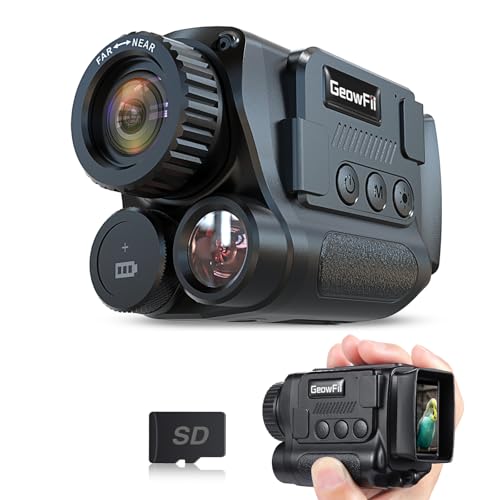
4K Upgraded & Practical—— GeowFiiTech Night Vision Monocular features a 4K version with a 25mm multi-coated lens, enhancing imaging for day and night use. With 4K video, 40MP photos, and essential functions, this monocular night vision meets outdoor needs effectively

Day/Night Camera - IR Cut filter switched in and out automatically. A NoIR camera that keeps videos and images from washed out or looking pink yet still offers a decent night vision
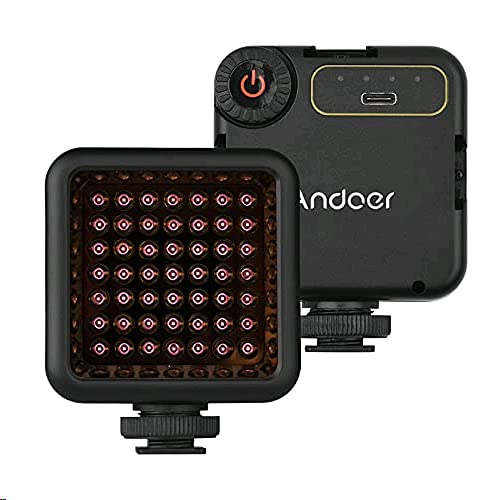
Versatile Lighting: Ideal for vlogging, video recording, and photography, this compact IR light ensures you're always ready to capture stunning footage in low-light conditions
The Glowing Orb Effect: Why Insects Look Bright on Night Vision
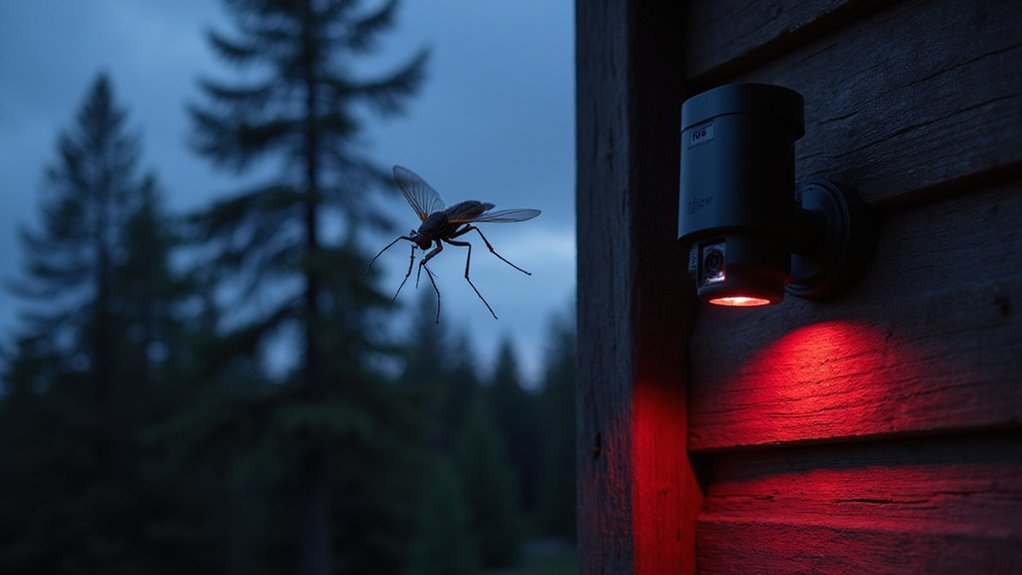
Insects can appear as glowing orbs in night vision footage due to intense infrared reflections from their tiny bodies when they are very close to your camera’ t lens. This reflection creates a bright, circular shape because the camera’s optics cannot focus on objects that near, causing the reflection to blur into a bokeh artifact. Environmental factors like humidity or pollen can amplify this effect by increasing airborne particles that also glint under infrared light. Understanding the infrared light spectrum used by your camera is key to interpreting these visual anomalies. You can differentiate insect orbs from dust or pollen by observing their erratic, jerky movements. Sometimes, if the insect is larger, you might notice faint outlines of wings within the luminous sphere before the blur fully obscures its form. Many DIY night vision projects utilize IR LEDs to illuminate the scene without visible light. Using a thermal clip-on can help verify these anomalies by detecting the insect’s heat signature rather than relying on reflected IR light.
Spotting Bugs Through Thermal Imaging vs. IR Illumination
Thermal imaging and IR illumination produce distinctly different visuals when spotting bugs. IR illumination creates bright, glowing outlines by reflecting infrared light off the insect’s surface, resulting in a blur that emphasizes movement but lacks fine detail. Thermal imaging, on the other hand, detects the insect’ s own heat signatures, appearing as colored heat blobs against a cooler background. This makes thermal images less defined in shape but excellent for identifying presence through heat differences. Large bug clusters are especially visible to thermal cameras because their collective metabolism generates a more distinct thermal signature.
With IR illumination, you see structured outlines thanks to reflected infrared light, making it easier to recognize the insect’s shape and movement. Thermal imaging shows abstract hot spots, revealing temperature variations rather than clear contours. Thermal technology functions well in total darkness and can see through light obstructions like foliage—useful in outdoor or cluttered environments, but it’s important to understand the real-world limits of its penetrating ability. For optimal placement of either type of camera, consider constructing a trail camera security box to shield it from the elements and tampering. Conversely, IR illumination depends on effective reflection of infrared light, which can be obstructed by dense foliage or objects. Each system suits different detection scenarios based on environmental conditions and what details you need to observe.

Super Resolution Enhancement: The Flagfront YXI96 thermal camera is equipped with 240x240 super-resolution imaging technology, providing clearer images and capturing more details; A high frame refresh rate of 25Hz ensures a smooth inspection experience

【Ultra-Sharp Thermal Imaging】 Capture clear, detailed heat signatures with a high-resolution thermal sensor enhanced by advanced image-processing technology at 240 x 240 TSIR Resolution. A wide field of view of 50°x 50° and smooth 25 Hz high-refresh-rate output ensure accurate visuals—perfect for home inspections, HVAC troubleshooting, automotive diagnostics, and electrical system checks.
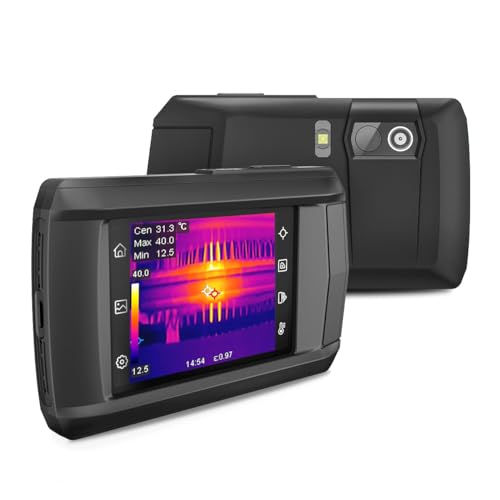
【Intelligent Scene Recognition with IntellFault】Featuring HSFTOOLS' unique IntellFault technology for automated scene detection. Powered by deep learning, it swiftly identifies water leaks and insulation gaps, which makes thermal inspections simpler, faster and more reliable. Download latest firmware on HSFTOOLS Website to upgrade and select "Scene" in the setting to experience it. Note: No moisture readings.
Common Misconceptions About Bug Visibility on Night Vision
Common Misconceptions About Bug Visibility on Night Vision
Bugs do not disappear on night vision; instead, they appear as bright, distinct shapes under infrared (IR) illumination. Their exoskeletons reflect IR light, so natural camouflage doesn’t work against IR detection. This reflection creates noticeable glints and clear silhouettes, making even well-hidden insects visible. Night vision does not reveal their true colors; everything appears in monochrome shades like green or gray. Amplification makes tiny insects more detectable by enlarging their shapes, so size isn’t an obstacle. For optimal detection, ensure your helmet NVG mount provides a stable platform to minimize shake and keep insects in focus. Motion also plays a role—bugs moving against static backgrounds are easier to spot because movement increases contrast. Keep in mind that different IR systems show bugs differently: some display detailed silhouettes, while thermal imaging renders them as fuzzy heat blobs. Understanding the components and technology within your device is essential, as higher-end features can affect both detection clarity and overall cost.
Tips for Identifying Insects on Your Night Vision Footage
To identify insects on your night vision footage, start by examining their silhouette. Look for clear body outlines that stand out against the background. Pay attention to their movement patterns; rapid movement often results in blurred trails, while slower movement maintains a more defined shape. Infrared light highlights their form, creating bright spots on reflective exoskeletons or eyes. To confirm it’s an insect and not debris, check its positioning—bugs tend to hover near the camera’s infrared emitters. Adjust your camera’s sensitivity settings to minimize false alarms from smaller insects, allowing you to focus on larger, more significant movements.
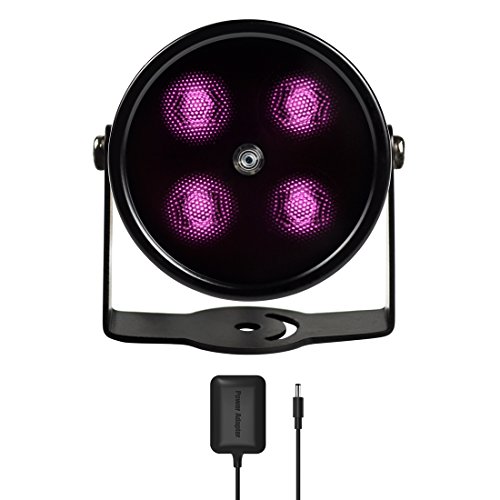
SPECIAL - Upgraded from the most classic mini 4 LEDs IR illuminator with all-around better materials and first ever in black coating

✔AUTOMATICALLY ON and OFF. Built-in with photocell sensor, the ir illuminator automatically switch on at dusk and switch off at dawn, it’s energy saving style. Wave length 850nm Infrared light, the beam light is INVISIBLE to naked eyes but give a red glow.

Unbelievably Compact and Powerful - Based on our customers' needs on small-sized infrared illuminators for their medium range applications, Tendelux nailed it. DI10 is only 1/2 the size of BI8 (our 8W model) and yet provides more illumination for your CCTV cameras to obtain crystal clear images at night.