How to Use a Trail Camera for Wildlife and Security
Trying to capture wildlife or keep your property secure with a trail camera can seem tricky at first. Getting the right footage or images depends on proper placement, angles, and settings.
In this guide, you’ll learn practical tips on mounting, angling, and adjusting your camera for the best results, regardless of the season or your target.
Keep reading to discover how to make every shot count.
Choose the Right Mounting Spot for Your Trail Camera
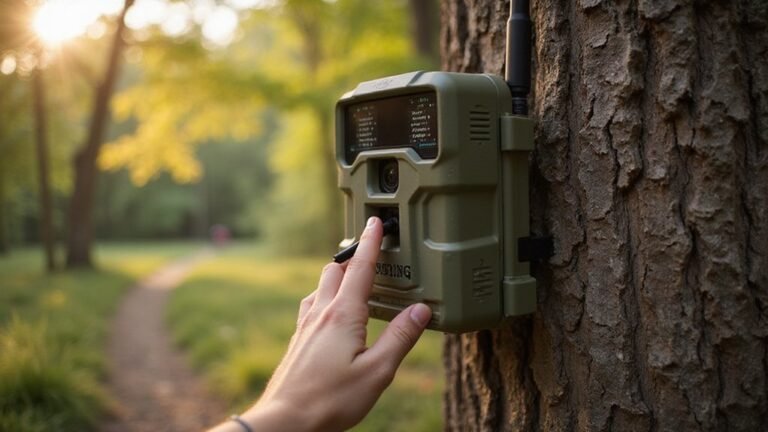
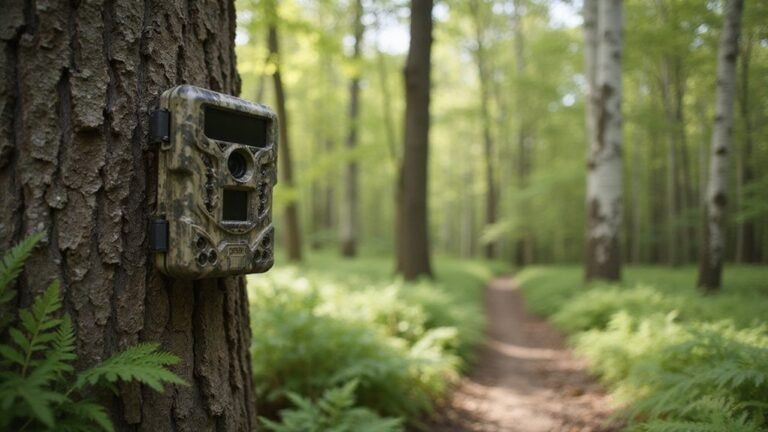
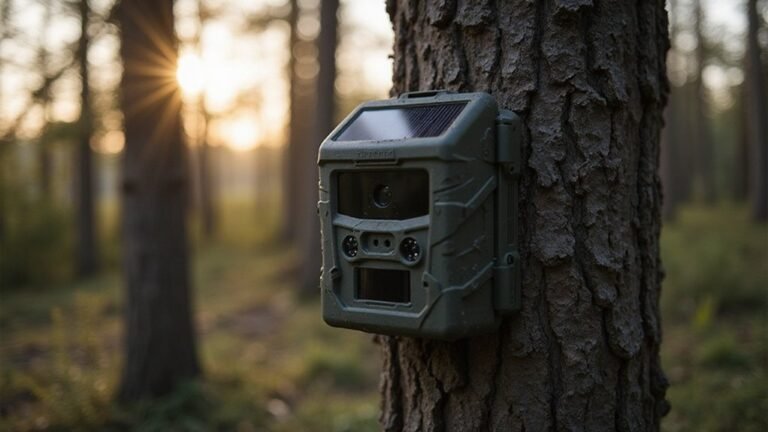
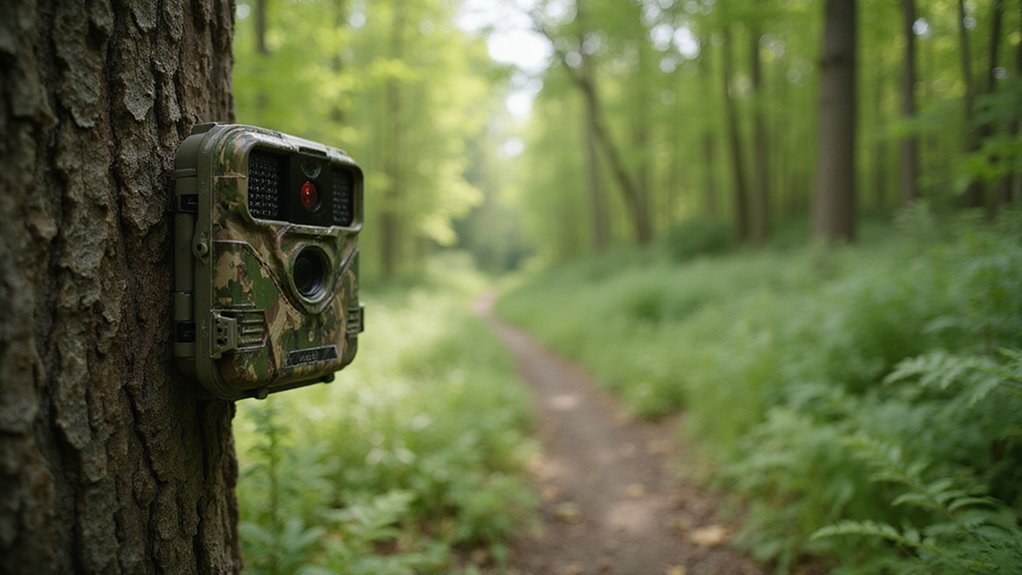
Mount your trail camera along natural travel corridors to maximize captures. Focus on areas like game trails, pinch points where animals funnel through, or edges between different habitats. Field edges near food sources also attract wildlife and improve chances of securing good shots. For effective camouflage, attach your camera to a thick tree or sturdy fencepost that blends into the environment. Clear away any foreground brush that could trigger false captures. To monitor deer movement effectively, position cameras on food plot corners or funnel points to gather data before setting stands. Unlike night vision goggles, which do not work in complete darkness without an infrared illuminator, your trail camera uses its own built-in IR LEDs to capture clear images regardless of ambient light. Understanding the difference between image intensification and thermal detection helps you choose settings that prioritize clarity over heat signatures when monitoring specific animals. For a more detailed comparison of features, consider the Stealth Cam vs. Tactacam performance differences.
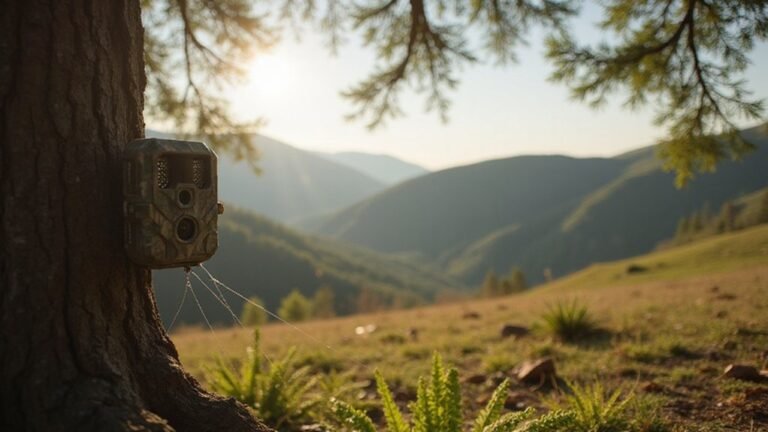
Elevation plays a key role in stability and security. Mount your camera higher on public land to deter theft and reduce wind vibrations. Always select a rigid support, such as a solid tree or metal stake, to keep the camera steady and ensure consistent framing. By placing your camera where animals frequently travel and hiding it well, you can increase your capture rate without scaring off the wildlife.

HIGH-QUALITY HOLDER - Trail Camera Holder Tree Mount is a versatile & practical accessory for mounting trail cameras securely on trees in outdoor settings; The holder simplifies the process of positioning your trail camera for optimal image/video capture

【360° ADJUSTABLE VIEWING】Each trail camera mount features a 360° rotating interface, allowing flexible angle adjustment for a wider monitoring range and better camera positioning.

Sturdy and Reliable: Made with durable steel construction and a powder-coated finish, these camera mounts provide a secure and stable mounting option for your trail cameras.(CAMERA NOT INCLUDED)
Set the Perfect Height and Angle for Clear Animal Shots
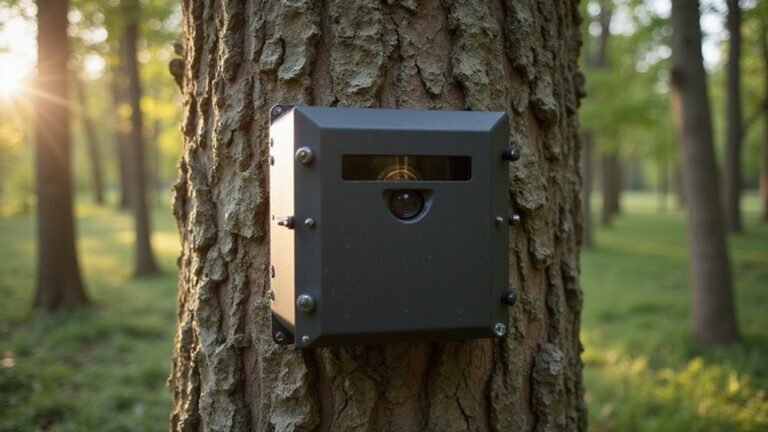
To set the perfect height and angle for clear animal shots, start by matching your camera height to your target species. For deer, position it about 30–36 inches high so the sensor lines up with their chest, ensuring reliable detection. For small game, drop the height to around 18–24 inches to capture their smaller size accurately. A slight downward angle of 5–10 degrees helps improve framing, allowing you to get the full body in shot instead of just legs or sky. Place the camera slightly off the trail and aim across the path to extend the animal’s time within the frame and get crisp side profiles. If you are using a homemade enclosure, also consider building a trail camera security box to protect the device from theft or weather while maintaining the correct height and angle. For those also using night vision gear, understanding the PVS-14 vs. PVS-18 comparison can help you choose a better device for nocturnal monitoring. Unlike a dedicated thermal device, an iPhone lacks a built-in thermal camera, which limits its ability to detect heat signatures at night without an external attachment.
Avoid mounting the camera too low, which can crop the animal’s legs or cause ground clutter in the shot, or too high, which might miss ground-level movement. Typically, starting at a height of 3 to 4 feet is practical, then fine-tune based on the animal’s eye level and terrain features. Adjust the angle carefully so you’re not capturing too much sky or missing the animal’s head when it passes by. Proper height and angle setup make a significant difference in achieving sharp, full-body images of wildlife.
Aim Your Trail Camera North or South to Avoid Sun Glare
Position your trail camera either north or south to minimize sun glare. South-facing setups can work well in dense shade or cover, but they become less reliable in open areas where the sun crosses the southern sky. If facing north isn’t practical, aim for a shaded lane or hardwood edge that provides some protection from direct sunlight. Keep in mind seasonal changes in the sun’s angle; what works during summer might cause glare in winter. Ultimately, choosing a direction for your camera should be based on how the lighting conditions influence visibility, not on any fixed rule. Facing north ensures consistent, clearer imagery by reducing sun-related issues in photos. When building a DIY thermal drone, you can apply similar principles by mounting the thermal camera to avoid direct sun exposure and improve image quality. Additionally, enabling night vision on your Xfinity camera can be done through the app settings to enhance low-light visibility. If you encounter persistent performance problems after adjusting the angle, a factory reset may help restore the device to its default operational state.
Take a Test Photo Before You Leave the Site
Always take a test photo before you leave the site to ensure your camera is properly set up. Review the test image on the screen and check whether it clearly frames the trail, feeder, or gate as intended. Confirm that the motion sensor’s detection zone overlaps with the lens view; if it doesn’t, the camera may not trigger when wildlife passes by. Walk perpendicular to the camera to map the trigger coverage and identify any gaps or dead spots. Running this quick on-site test prevents wasted deployment time and guarantees your first wildlife capture is correctly framed and triggered. If the camera fails to respond or capture images during the test, you may need to perform a factory reset to restore default functionality before redeploying. Testing with consistent settings across identical cameras ensures your results are repeatable and reliable. This process is similar to selecting the top cameras for gaming to ensure optimal performance before permanent installation. Always leave the site only after confirming the camera is properly aligned and ready to go. To avoid common mistakes like placing the camera too high or too low, double-check the angle during your test to ensure the sensor captures animals at the correct height.

Compatible with iPhone 15 and later, MacBook series, and Android devices (OTG Required) with USB-C ports
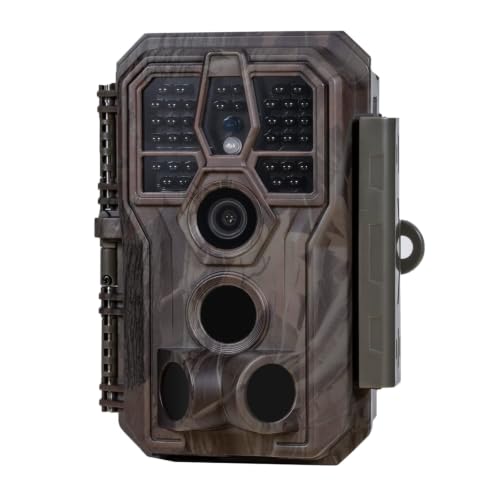
64MP Photos & 1296P HD Videos: Equipped with a high-quality optical lens and advanced image sensor, the E5S captures ultra-sharp 64MP photos and smooth 1296P HD videos.

【2-in-1 SD Card Reader】This sd card reader adopts dual card slot design, compatible with SD/SDHC/SDXC/MicroSD/MicroSDXC/MicroSDHC memory cards. You can easily save the photos inside the SD card to your iPhone/iPad/Mac/Camera, view the photos and videos in the memory card anytime and anywhere, and upload them to social platforms, it is a good partner for your travelling and playing.
Pick Trail Camera Photo, Burst, or Video Mode Based on Your Goal
Once your camera is aligned and triggers properly, select the capture mode that best fits your goal. For long-term monitoring, use photo mode because it consumes less battery and storage, making it suitable for tracking visit frequency and identifying species. If animals are moving quickly through the frame, switch to burst mode to capture a series of 2 or 3 shots. This provides multiple angles and details like antlers without using as much storage as video. For longer delays in static environments, setting the trigger delay to 1–2 minutes prevents excess photos and conserves storage. For studying wildlife behavior in depth, choose video mode to record movement, posture, and sounds. Video clips can show animals reacting to lures or scrapes, providing richer context. When fast passes happen but full videos aren’t necessary, burst mode strikes a good balance between capturing detail and conserving resources. To avoid detection by humans, consider hiding the camera with natural materials like leaves or bark.
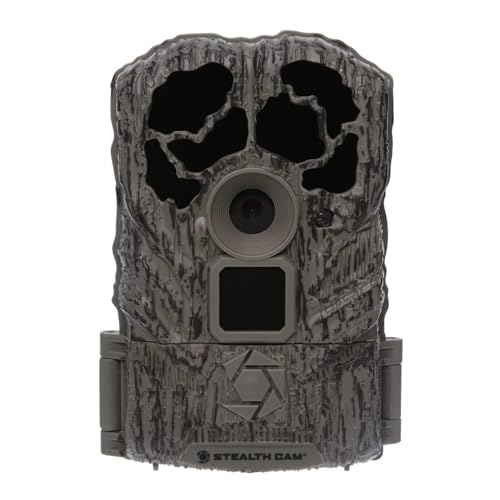
The durable Browtine 16MP trail camera features an 60ft infra-red detection range and burst mode to capture detailed information about your target area.

Wi-Fi & APP Control: Via Bluetooth connection, you can instantly access photos and videos on the free mobile app “TrailCam Go” and remotely control your trail camera to take photos or record videos. Home Wi-Fi connection is not supported
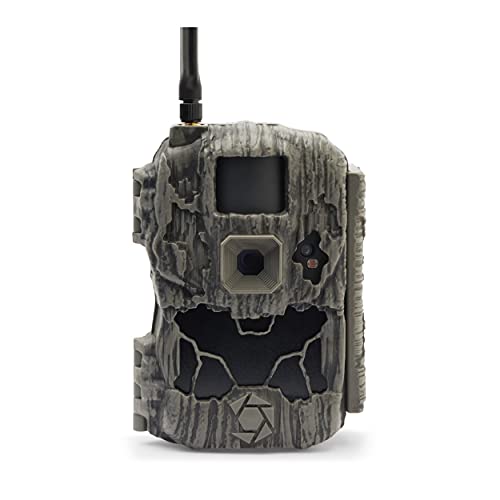
Camera: Stealthcam DS4K Transmit features a 32-megapixel sensor for the ultimate quality in image size and clarity
Adjust Trail Camera Motion Sensitivity to Cut Unwanted Triggers
Adjusting your trail camera’s PIR sensitivity is essential for reducing false triggers caused by environmental factors. Since sensitivity controls how easily your camera detects motion and heat, you can fine-tune it based on your surroundings. In windy areas or dense brush where leaves and branches sway, lower the sensitivity to prevent the camera from triggering unnecessarily. The battery life of your camera can be significantly extended by reducing false triggers, as fewer captures consume less power. Start with a medium setting and review your initial images to assess trigger accuracy. If you notice many empty frames, lower the sensitivity further. To optimize animal detection, aim your camera along travel routes, which helps keep wildlife in frame longer and minimizes missed captures. Understanding how a trail camera detects heat and motion via passive infrared sensors helps you choose the right sensitivity level for your location. For open fields where animals may move quickly or be distant, increase sensitivity to ensure fast-moving wildlife triggers the camera. High-end models often offer superior detection performance in challenging conditions, making them a better choice for distant or fast targets. Change one setting at a time, then perform tests before making large adjustments. This step-by-step approach helps you capture more animals while avoiding overtriggering from background movement. Using a lower frequency in food source areas limits repetitive shots of the same animal.

30MP Photos & 1080P HD Videos for Clear Wildlife Monitoring:Capture detailed outdoor moments with 30MP high-resolution photos and Full HD 1080P videos. The advanced image sensor delivers clear and vivid images during daytime and reliable performance in low-light environments. This mini trail camera helps capture wildlife activity, deer movement, and outdoor scenes with improved detail, making it ideal for deer scouting, wildlife observation,Garden Monitoring and property monitoring.

30MP Photos & 1080P HD Videos for Clear Wildlife Monitoring:Capture detailed outdoor moments with 30MP high-resolution photos and Full HD 1080P videos. The advanced image sensor delivers clear and vivid images during daytime and reliable performance in low-light environments. This mini trail camera helps capture wildlife activity, deer movement, and outdoor scenes with improved details, making it ideal for deer scouting,wildlife observation,and property monitoring.

Trail cameras with night vision motion activated weather-resistant: Rohs Certified Wildlife Trail Camera Designed for Reliable, Durable Outdoor Use. IP66 Dustproof And Weather-Resistant Case Helps Protect The Trail Camera In Outdoor Environments
Keep Batteries and SD Cards Ready for Long Field Use
Using lithium AAs is essential for long-term or cold-weather trail camera deployments. Lithium batteries last up to seven times longer than alkalines and are more resistant to temperature fluctuations. Always use a full set of identical cells—mixing brands or old and new batteries can cause uneven power output and reduce reliability. When managing power, consider that rechargeables like NiMH cells lose about 0.5% of capacity daily, so charge them right before deployment to ensure maximum performance. Keep battery contacts clean and free of grime, and match your battery type to the climate and the duration of your deployment. For even longer field use, consider integrating a solar panel with your trail camera to eliminate battery dead issues and ensure continuous data collection throughout the season. For the best performance, review comparisons of top lithium battery options to identify the most reliable brands for your specific camera model. Understanding the night vision technology inside these cameras helps you choose models with better low-light performance for security setups. For handheld lighting needs in the field, selecting a model with adjustable brightness levels ensures you can adapt to various conditions without draining power unnecessarily. Proper power management ensures your trail camera remains operational for weeks or even months without interruption.

8 pack of Energizer Ultimate Lithium AA Batteries

2 pack of Energizer Ultimate Lithium AA Batteries

Manufacturer: Energizer
Clear Only the Vegetation That Blocks the Lens or Sensor
When setting up your trail camera, only clear vegetation that directly blocks the lens or PIR sensor. Removing unnecessary plants, such as tall grass or hanging branches that don’t obstruct detection or the view, can weaken your camera’s concealment and increase the risk of theft. Focus on clearing the fan-shaped zone immediately in front of the camera—this includes removing leaves, twigs, or tall grass that physically block the detection path. This targeted trimming keeps maintenance simple and helps prevent false triggers caused by sun-heated foliage swaying in the wind. For example, a battery-operated weed eater is lightweight and comfortable to handle for this precise clearing. Understanding the PIR sensor can help you avoid accidental triggers from moving vegetation. Avoid over-cleaning the area; extending clearance beyond the detection zone may reduce concealment and make the camera more obvious. Keep the lens opening clean from spider webs, dew, or debris that can degrade night-time images. Check the scene periodically—after storms or periods of rapid plant growth—but only trim new obstructions. This approach keeps the scene open enough for effective detection while maintaining good concealment.
Review Footage to Spot Patterns and Reposition Cameras
Review footage in batches rather than one image at a time. Organize files by camera location first, then by month or week, to facilitate comparison of repeated visits over time. Keep every image, even blanks or misfires, and log standardized data such as date, time, species, and behavior in a spreadsheet. Sorting data by time and weather helps identify recurring movement patterns.
Focus on daylight-adjacent captures, separating morning and evening records. Use the first evening image and last morning frame to determine travel direction. Repeated captures at the same spot under similar conditions suggest travel corridors or activity hubs. Pay attention to consistent patterns rather than isolated incidents.
Reposition cameras based on these identified trends, not just single standout photos. Shift units to capture approach routes rather than endpoints. Aim your cameras toward locations where time, direction, and weather patterns align consistently. Allow enough data to accumulate before relocating to ensure that you are tracking genuine patterns, not just randomness. This data-driven approach is key to optimizing camera placement and effectively monitoring wildlife movement. When reviewing footage, also pay attention to the video quality to ensure settings are producing the highest resolution footage needed for clear behavioral observation.
Fix Common Placement Mistakes for Better Captures
Proper placement of your camera is essential for capturing wildlife effectively. Keep the camera about 2 to 3 feet off the ground and angle it slightly downward to ensure full-body shots are centered in the detection zone. Mounting it too high can waste valuable frame space, while too low might miss the animal’s full behavior. Face the camera north or south to avoid glare from the sun, which can wash out images and cause false triggers. Clear vegetation 10 to 15 feet ahead of the camera helps prevent moving branches from fooling the sensor and filling your SD card with empty images. Avoid placing the camera directly on a trail; instead, offset it slightly, aiming where animals naturally travel. To further improve trigger speed and keep subjects in frame longer, position the camera at an angle rather than perpendicular to the trail. Before leaving, test the framing and night range to confirm activity sits mid-frame. The key to successful wildlife captures is matching your camera placement to actual animal paths instead of guesses.