What Is Moultrie Mobile? A Guide to Cellular Trail Cameras
Wondering how to keep an eye on wildlife or your property without constantly checking camera cards? Moultrie Mobile offers a simple, effective solution with cellular trail cameras that send images directly to your phone.
You’ll enjoy quick setup, cloud storage, and easy control of your cameras from anywhere. Keep reading to find out how to pick the perfect plan for your needs.
What Moultrie Mobile and Cellular Trail Cameras Do
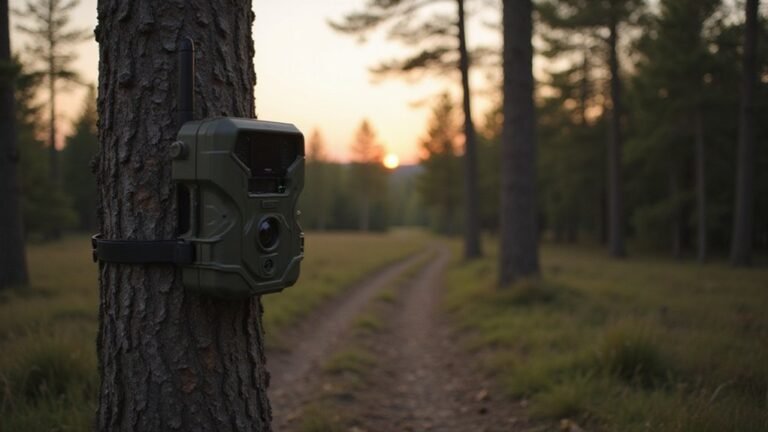
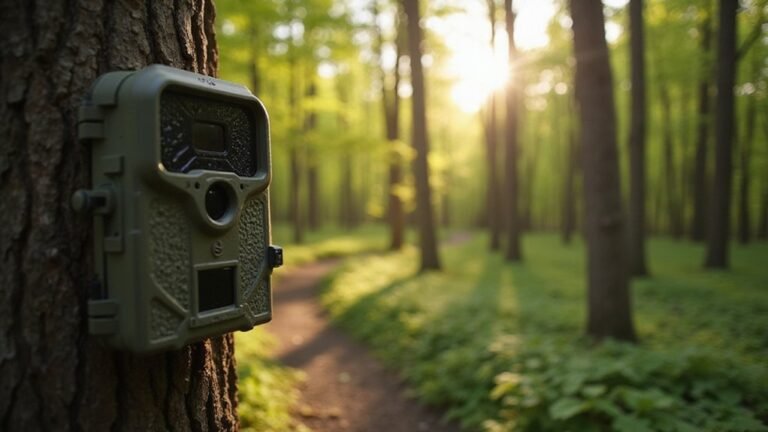
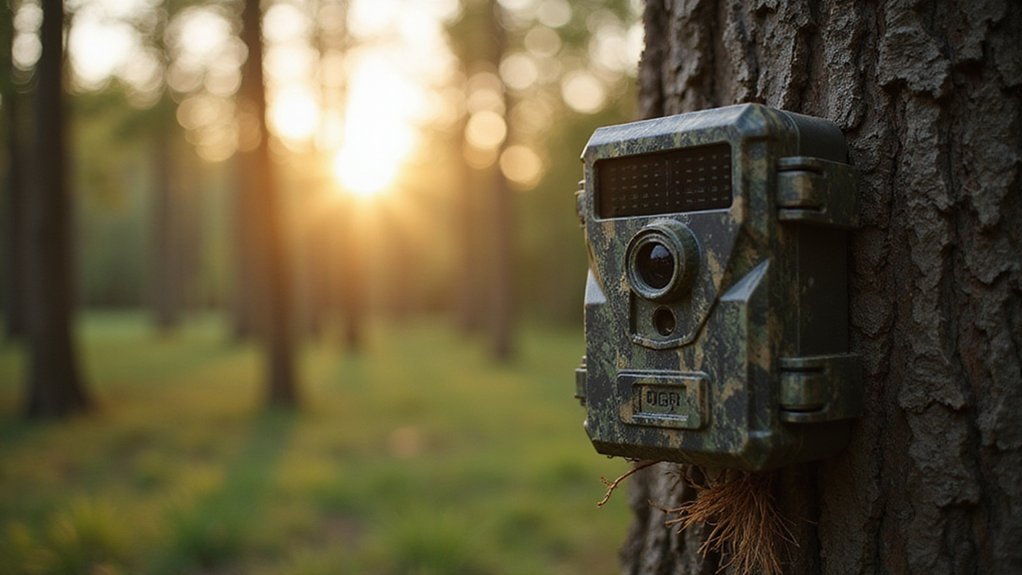
Moultrie Mobile and cellular trail cameras allow you to monitor wildlife, hunting areas, or property remotely without the need to retrieve SD cards. You gain 24/7 access to images stored in the cloud from your phone, and remote updates minimize site visits. To maximize battery life, set capture intervals that match the activity patterns of your target—avoiding continuous bursts during inactive periods like nighttime. When installing, position the camera on a sturdy tree at chest height and angle it slightly downward to prevent sun glare and false triggers. Use the app’s Live Aim feature to verify framing before leaving and check signal strength via the interface, as a strong signal conserves power later on. Managing tags, species identification, and weather conditions can all be done remotely through the app, eliminating the need for repeated trips back to the location. Simply place and adjust the camera, then let the cloud do the rest. Despite these features, user testing revealed that the camera’s detection range was drastically lower than claimed, performing at only about 15 feet instead of the advertised 80 feet. Unlike night vision goggles, which rely on image intensification to amplify ambient light, cellular trail cameras use an infrared flash to capture images in darkness. For comparison, thermal imaging detects heat signatures rather than relying on ambient light, making it effective in complete darkness and through obstructions like brush. Understanding night vision goggle prices can help you budget more effectively if you later decide to invest in that technology.
Trigger Speed and Auto-Connect: Moultrie’s Cellular Camera Edge
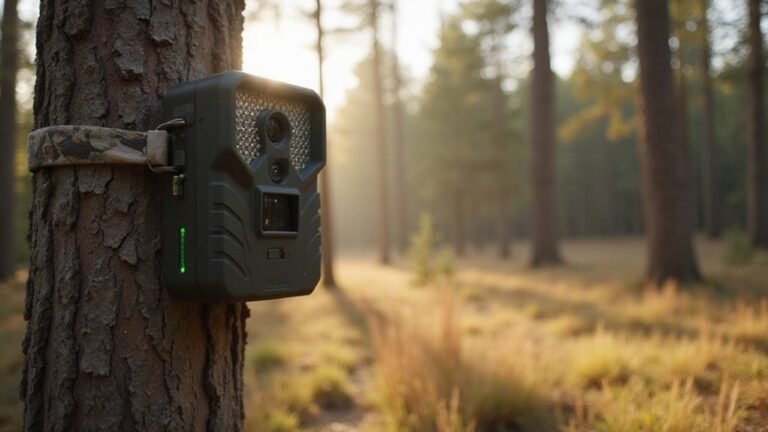
Trigger speed is crucial for cellular trail cameras to capture fast-moving animals before they slip away. Moultrie’s Edge line excels here with the Edge 2 Pro boasting a trigger speed of just 0.3 seconds, significantly faster than the original Edge at 0.85 seconds. This rapid response time ensures you don’t miss critical moments, especially with quick animals like deer or foxes. Auto connect further enhances this experience by simplifying setup; your camera pairs automatically with the Moultrie Mobile app, removing the need for manual pairing. From there, you can remotely adjust PIR sensitivity, detection delay, or activate 3 Burst mode directly through the app. For those seeking similar thermal detection capabilities, DJI thermal drones offer professional-grade sensors for aerial monitoring. For DIY enthusiasts, constructing your own camera with a custom housing and basic electronics can provide a more affordable alternative to commercial models. Building a security box from weatherproof materials protects your camera from theft and harsh elements. These features enable you to fine-tune trigger speed and detection range without field adjustments, saving you time and boosting your chances of capturing sharp, in-motion images.
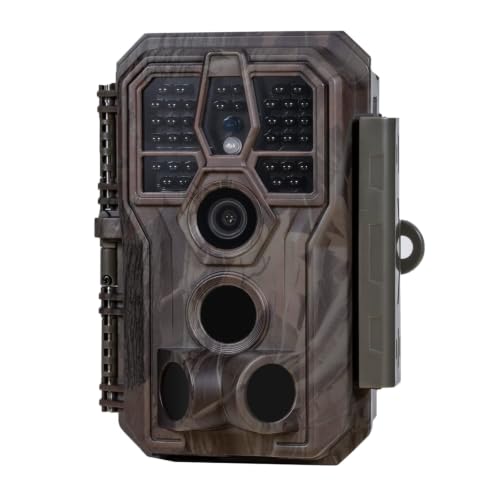
64MP Photos & 1296P HD Videos: Equipped with a high-quality optical lens and advanced image sensor, the E5S captures ultra-sharp 64MP photos and smooth 1296P HD videos.
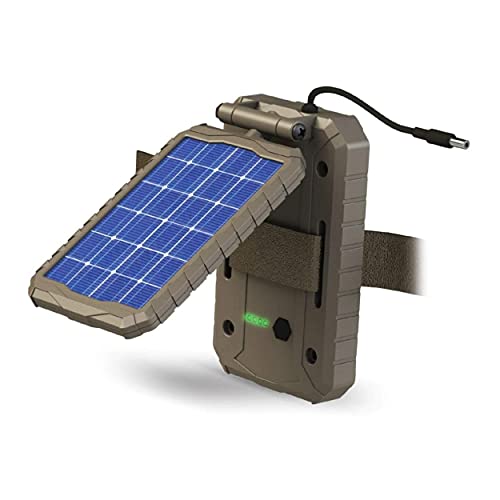
EXTENDED CAMERA FIELD LIFE: Embrace renewable energy, eliminating the need for traditional batteries and ensuring a cost-effective approach to keeping your trail cameras charged; A 3000mAh Li-ion Battery extends the field life of your trail camera

New version trail cam: Clear Day & Night Imaging Capture sharp 64MP photos (adjustable: 5/16/36/48/56/64MP) and smooth 4K HD videos (3840x2160P /2560x1440P). The high-quality optical lens ensures crisp daytime images and night vision performance, making it ideal for wildlife observation, deer scouting, and property surveillance.
App Features, Smart Tags, and Free Cloud Storage
Once you’ve set up your Moultrie camera, the app serves as your central hub for management. You can control cameras and feeders remotely, no matter where you are. Smart Tags automatically organize images into categories such as bucks, does, turkeys, people, and vehicles, saving you from manual sorting. Buck images are further sorted by age using Image Intel, allowing you to identify mature bucks without scrolling through countless photos. You can also monitor battery life remotely to ensure your devices stay powered up, and download full-resolution images to retain all camera details. Interactive maps with pins mark stand locations or food plots, while topographic overlays highlight features like ridges and saddles to help plan your placements. The app’s free cloud storage auto-syncs all captures and keeps them accessible around the clock, even if you cancel a plan. Additionally, Shared Galleries let you view others’ photos without sharing passwords, making it easier to collaborate. Some advanced planning tools still require a paid upgrade, but most features are included at no cost. Unlike visible-light cameras, thermal imagers detect infrared radiation to reveal heat signatures invisible to the naked eye, which can help identify hidden wildlife or intruders in low-light conditions.
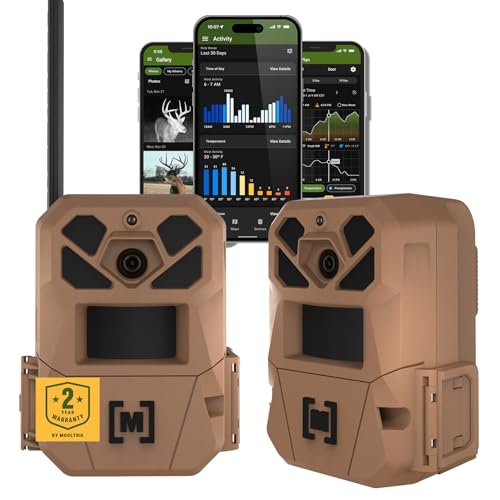
HARVEST MORE BUCKS THIS SEASON - EDGE 3 delivers real-time deer activity, movement patterns, and location intelligence—so you know when and where mature bucks are moving instead of hunting on hope.

HARVEST MORE BUCKS THIS SEASON - EDGE 3 delivers real-time deer activity, movement patterns, and location intelligence—so you know when and where mature bucks are moving instead of hunting on hope.

NATIONWIDE CELLULAR COVERAGE & USA-BASED SUPPORT – Stay connected with Auto Connect technology, ensuring seamless 4G LTE access across all major U.S. networks without swapping SIM cards or buying data plans from an outside company. Moultrie, a USA-based company, offers dedicated U.S. customer support for expert assistance whenever you need it.
Which Subscription Plan Fits Your Scouting Needs?
The right subscription plan depends on the number of cameras you run and the level of activity you expect. For one camera with light activity, the Standard plan at $8.99 per month covers up to 1,000 images and 10 videos, which is suitable for basic trail monitoring. If you’re monitoring a feeder or food plot with frequent uploads, the Unlimited plan at $12.99 per month provides unlimited images and 50 videos, accommodating more active scouting. Upgrading or downgrading between these plans can be done at any time, ensuring you never pay for unused capacity. This flexibility makes it easy to adjust your Moultrie Mobile plan as your needs change.
For four or more cameras, the Pro Series Unlimited plan is the best choice. It costs $34.99 for the first camera and $7.99 for each additional camera, offering unlimited images per unit. Remember that each camera requires its own plan, so costs will add up as you add more devices. Choose the Standard plan for low-activity setups, the Unlimited plan for single cameras with higher traffic, or the Pro plan for multiple cameras operating simultaneously. With annual upfront payment, you can save up to 40 percent on overall subscription costs.

Easy Connectivity: Edge's Auto Connect technology keeps you seamlessly connected. Imagine a dependable hunting ally that auto-detects and links to the strongest signal across multiple networks

HARVEST MORE BUCKS THIS SEASON - EDGE 3 PRO delivers real-time deer activity, movement patterns, and location intelligence—so you know when and where mature bucks are moving instead of hunting on hope.

RUN ALL SEASON WITHOUT TOUCHING A BATTERY - The large adjustable solar panel features pan/tilt positioning to chase the sun from any hang. Set it up once and let the sun run it - no battery swaps, no return trips, all season long.
How Hunters Use Moultrie Mobile for Low-Disturbance Scouting
You can scout effectively with Moultrie Mobile while minimizing disturbance to wildlife. The system allows you to check image transmissions remotely, so you avoid walking into bedding areas and spooking game. Real-time alerts notify you immediately when wildlife activity occurs, enabling you to react quickly and enter only when a target appears. Setting the camera up properly involves initial setup steps like inserting a SIM card and syncing to the app, ensuring reliable connectivity.
Utilizing time-lapse feature helps you analyze movement patterns across food plots, especially during dawn and dusk when activity peaks. Setting cameras high in the landscape enables you to monitor large areas and observe directional movement that ground-level views miss. This data reveals travel routes and behavior trends even before you set foot on the property, guiding your positioning and strategies. Unlike a cantilever scope mount, which extends optics forward on a rifle, these cameras rely on a stable elevated mounting point to maximize field coverage. Mapping tools streamline the process of planning stand locations and camera placements without covering unnecessary ground. When you pair cameras with activity charts and Game Plan forecasts, you can select entry points based on current, accurate information, ensuring you exert less pressure while gaining precise insights—all accessible from your phone. Understanding the difference between image intensification and thermal technology helps you choose the best camera for low-light conditions.