Why Does My Phone Flash on Night Vision Cameras?
Ever wonder why your phone flashes when you use night vision cameras? The answer lies in the way your device’s face recognition and attention sensors work. They send out tiny infrared pulses that are invisible to you.
When a night vision camera picks up these signals, it amplifies them into bright flickers on your screen. Keep reading to learn how to minimize or stop this effect.
What’s Making My Phone Flash on a Night Vision Camera? (Face ID and IR Sensors)
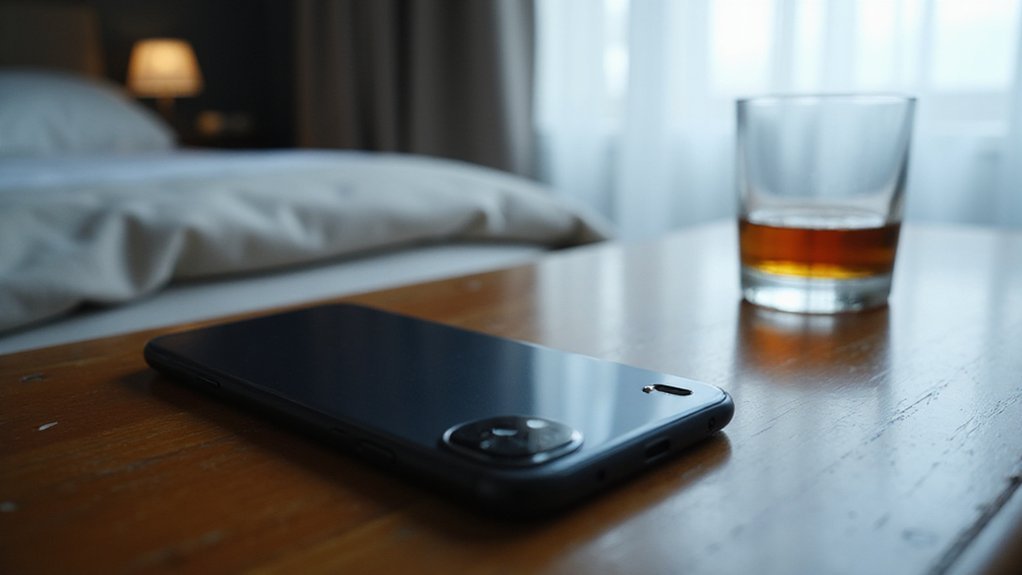
Your phone’s “Attention Awareness” feature is responsible for the flashing effect seen on a night vision camera. This feature continuously checks if you’re still looking at your device, sending out infrared (IR) signals in the process. These IR bursts are invisible to the naked eye but can appear as flashes or strobing on night vision or infrared cameras. When your phone detects that you are still paying attention, it maintains these IR signals to keep Face ID or biometric sensors active. If the camera’s infrared sensors pick up these bursts, they interpret them as sudden flashes, causing the flickering effect. This same IR technology is similar to the thermal drone sensors used to detect heat signatures. Unlike specialized devices like night vision goggles, which are designed for passive light amplification and long-range viewing, your phone’s IR bursts are active signals used for close proximity security. This isn’t a malfunction of the camera or your phone but rather an interaction between the phone’s biometric security system and the night vision camera’s IR sensitivity. The repeated IR pulses are designed for facial recognition and secure unlocking, but they can inadvertently trigger flashing in night vision footage. Thermal imaging, on the other hand, captures temperature differences rather than reflected light, which is why it excels in total darkness and through obscurants like smoke or fog.

Day/Night Vision: IR-CUT Filter switched in and out automatically based on light condition (only visible light during the daylight and infrared sensitivity during the night with 850 IR LEDs on)

SUPERIOR QUALITY - Stealth Cam X-NVMSD Digital NV Monocular Camera provides improved resolution and processing, along with a higher tech, higher quality display that gives crisp, clear faces and features to all nature's creatures of the night
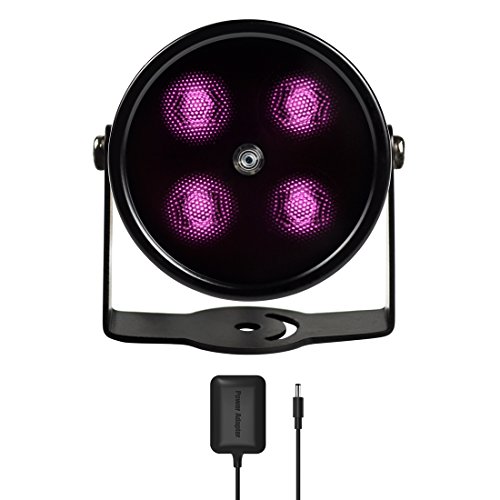
SPECIAL - Upgraded from the most classic mini 4 LEDs IR illuminator with all-around better materials and first ever in black coating
How Night Vision Cameras Turn Invisible IR Into Bright Light
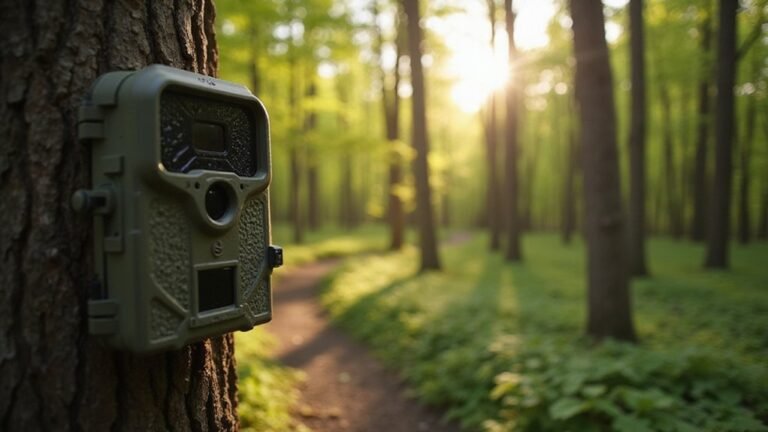
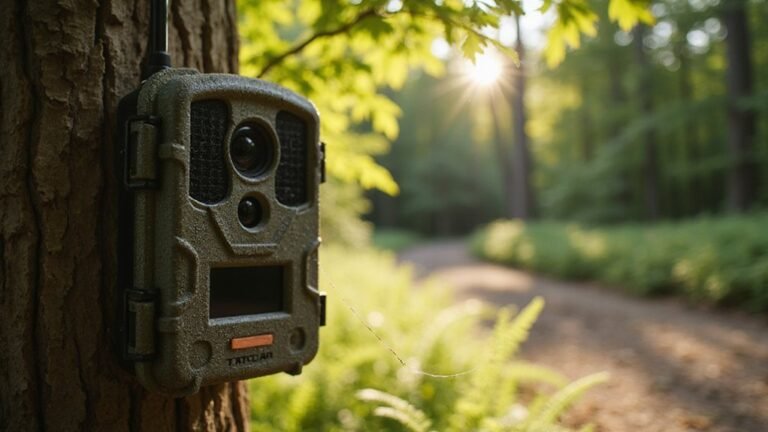
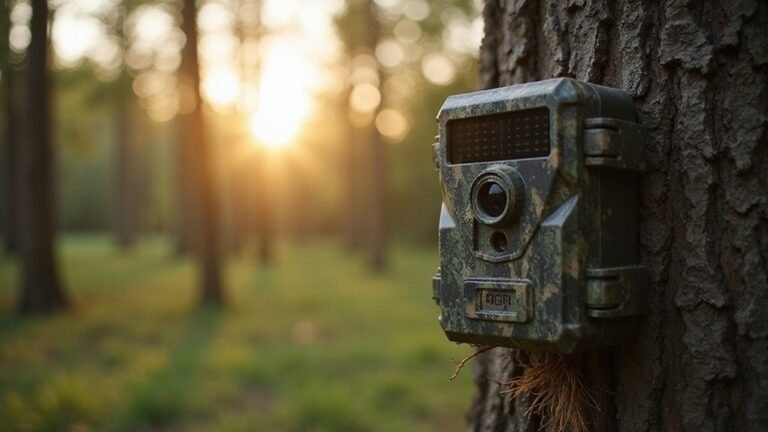
Night vision cameras turn invisible IR into visible images through infrared reflection. The process begins with the camera’s infrared LEDs, which flood the scene with near-infrared light that you cannot see. This IR light bounces off objects, including your phone, and returns to the camera sensor. The sensor detects these reflected IR photons and converts them into electrical signals. Cameras are designed to respond to specific IR wavelengths, often 840 or 950 nm, ensuring they capture only the intended IR reflections. For example, trail cameras like the Stealth Cam use similar IR technology to capture clear night images of wildlife without alerting the subject. Many models also include built-in IR illuminators to enhance range and visibility in complete darkness. Understanding subscription costs can help you budget for ongoing camera features and cloud storage.
The camera’s processor interprets this data and creates a grayscale image based on the intensity of the reflected IR light. Bright areas in that image correspond to surfaces that reflect more IR, while darker areas reflect less. This method allows the camera to filter out signals from other IR sources that could interfere, such as ambient IR radiation or nearby electronic devices. The result is a clear, bright image on your screen, revealing details in total darkness as if illuminated by an invisible flashlight.
Why Night Vision Sees Blinking Instead of a Steady Glow
Night vision cameras often pulse their IR LEDs rather than leaving them on continuously, causing your phone’s camera to capture these rapid on-off cycles frame by frame. As a result, the IR glow appears to blink instead of emitting a steady light. Your phone’s sensor sensitivity is tuned to detect infrared light—a spectrum invisible to the naked eye—so it can record these pulses even when you can’t see them. When the camera’s shutter speed coincides with the moment the LEDs turn off, it produces a dark frame, making the glow seem like it’s flickering. Automatic exposure settings can further amplify this effect by adjusting brightness levels based on each frame, which exaggerates the blinking illusion. This blinking isn’t a malfunction; it’s simply your digital sensor reacting faster than your eyes can see, sampling the infrared spectrum in quick bursts. Proper game camera setup often uses this same pulsed IR design to conserve battery life while maintaining clear nighttime footage. For a DIY project, you might replicate this design using common night vision parts like IR LEDs and a microcontroller. Understanding the cost of thermal drone components can help you budget for more advanced night vision projects.
Is This a Sign of Malware or Spying? (Other IR Sources Explained)
A flashing light from your phone’s night vision camera typically isn’t a sign of spying. It’s usually just your Face ID hardware performing a routine scan by emitting infrared pulses to map your face in darkness. However, you should stay alert. Malware like the fake night vision app flagged by AVAST can request suspicious permissions, giving hackers access to your contacts and messaging apps, or even draining funds through premium SMS. This poses a serious data breach risk, unlike the harmless infrared glow from your hardware.
Other sources can cause similar flashes, such as TV remote signals or proximity sensors, which can appear as IR bursts on your camera. Therefore, unless you notice unexpected bills or strange app permissions, there’s no cause for alarm. In most cases, that flickering light is just your phone’s normal hardware working as intended, not an indicator of spying activity.

New version trail cam: Clear Day & Night Imaging Capture sharp 64MP photos (adjustable: 5/16/36/48/56/64MP) and smooth 4K HD videos (3840x2160P /2560x1440P). The high-quality optical lens ensures crisp daytime images and night vision performance, making it ideal for wildlife observation, deer scouting, and property surveillance.

WiFi App Live Viewing and Sharing — Connect these WiFi night vision goggles directly to your smartphone to view live footage, take photos, record videos, and download saved files through the app. Photos and videos can be stored locally on the device/microSD card and your phone, with no cloud upload or subscription required for file transfer, helping keep your files on your own devices. Ideal for nighttime animal viewing, family camping, hiking, backyard animal watching, and nature learning. A practical back-to-school gift for teens and a thoughtful outdoor gift for dads, husbands, campers, and nature lovers.

Fast trigger speed: The WOSODA trail cameras will be triggered instantly in 0.3s without delay, once detecting the movement, you will never miss any exciting moments even at night, and the trigger distance is up to 60ft.
Why Screen Flicker and Background Sensors Can Mimic a Flash
Screen flicker and background sensors can create visual effects that mimic a flash on your camera. These illusions occur because electronic behaviors in your device interfere with the camera’s infrared sensors. For example, your phone’s screen brightness, refresh rate, or adaptive display modes can pulse subtly, especially in low-light conditions. When a night vision camera detects these pulses, they can resemble a quick flash. This is similar to how Tactacam Reveal cameras are designed to distinguish between environmental IR interference and genuine night vision triggers. Similarly, configuring your camera’s detection sensitivity can help reduce false triggers from such electronic noise.
Additionally, changes in your screen’s display—such as switching between different modes or adjusting contrast—can produce sudden visual jumps that look like flashes. Background sensors that automatically adjust based on lighting or proximity also send signals that the camera interprets as transient flashes. Understanding how infrared radiation detection works can clarify why even minor electronic pulses register as visible events.
The camera’s heightened sensitivity to infrared light means it can pick up small fluctuations from these electronic signals that your eyes generally miss. As a result, many so-called “flashes” are actually just the camera responding to normal electronic activity within your device rather than a hidden threat or external flash source.
How to Reduce or Stop the Flashing Effect on Camera
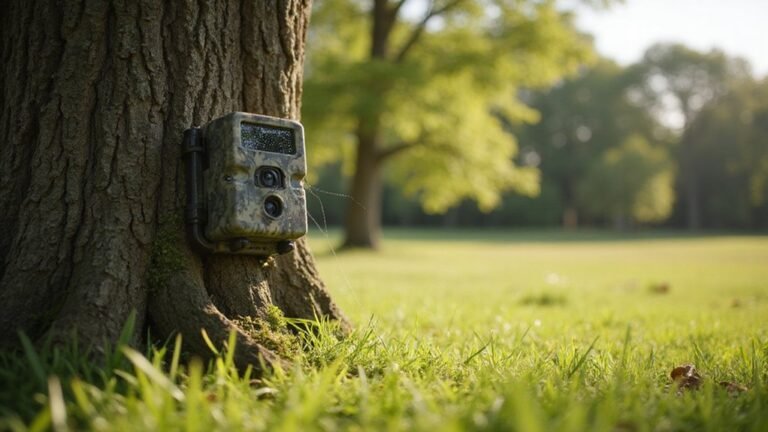
To reduce or stop the flashing effect on your camera, you should directly control your phone’s infrared output and screen behavior. Start by disabling Face ID and any attention-aware features to prevent unnecessary IR emissions. Lower your screen brightness and turn off notification flashes to minimize sudden light bursts. Enabling Do Not Disturb mode can prevent alert-driven screen activity, which helps conserve battery and reduces the chance of software glitches that trigger unusual sensor behavior. Updating your phone’s operating system and camera apps regularly ensures any bugs causing erratic flashing are fixed. For comparison, dedicated equipment like best night vision scopes often avoid such issues by using built-in infrared illuminators and manual controls rather than relying on phone behavior. A purpose-built trail camera like the Tactacam Defend provides more stable night recording because its IR system is designed specifically for low-light triggers instead of adapting to a phone’s dynamic sensor outputs. Understanding what drives the price of such dedicated equipment can help you invest in a model that avoids these flashing issues altogether.
Physically, turning your phone screen downward or angling it away from the night vision camera can significantly cut down on IR reflections. Moving the device further away from the scene also lessens the IR’s perceived brightness. If the flashing persists, consider covering the phone’s built-in flash with opaque tape or adding external lighting to the scene. These adjustments help the camera rely less on your phone’s IR-heavy low-light mode, minimizing flashing effects.

Package Included: 1PCS 10mm Optical UV AR-IR CUT filter.

【Shoot Like DSLR】This clip-on CPL filter kit from K&F CONCEPT includes a K&F CONCEPT Nano-K series CPL filter and a clip for phone, it is fit for travel shots, street photography, outdoor landscape, and time-lapse photography, Instagram, weddings, vacations, and other fun shooting, etc. For reflection reduction, keep the lens at 30–40° to the surface. For sky enhancement, shoot sideways (90°) to the sun. Adjust as needed. NOTE:Not compatible with iPhone 18 Pro & 18 Pro Max.

Shoot Like a Pro with Your Phone Upgrade your mobile photography with this 52mm clip-on CPL filter kit. Ideal for travel, landscape, street photography, weddings, vacations, social media content, time-lapse shooting, and everyday outdoor photography.