How Do Game Cameras Work?
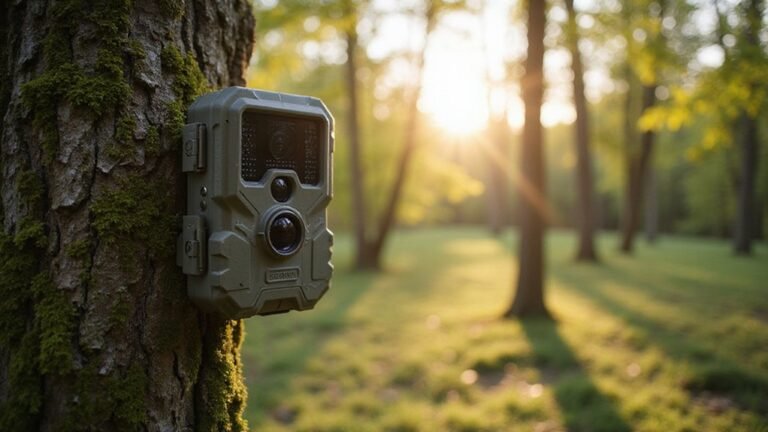
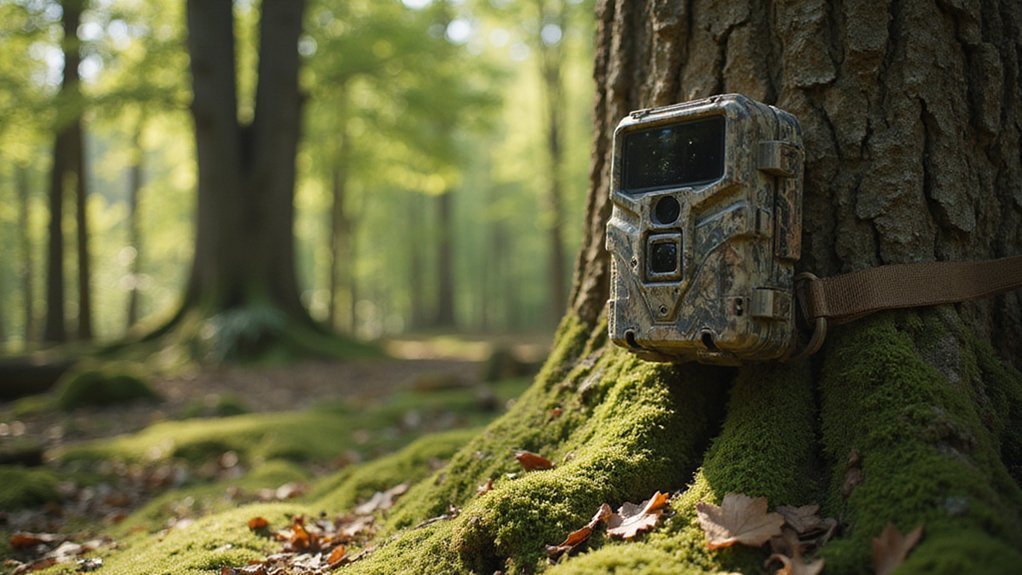
Ever wonder how game cameras can so quickly spot animals or unwelcome visitors in the thick of the night? These cameras rely on sensors that detect movement and heat.
They wake instantly to capture images or videos.
They’re built tough to handle outdoor conditions and store footage on simple SD cards or wirelessly.
Here’s how each part works together to give you clear, timely shots.
How Game Cameras Detect Motion and Heat
Game cameras detect motion and heat primarily through a Passive Infrared (PIR) sensor. This sensor passively detects changes in infrared radiation, which corresponds to the heat emitted by objects. It does not emit any signals itself. Inside the PIR sensor are pyroelectric crystals that react only when a heat source moves across the detection zone. A Fresnel lens focuses incoming infrared energy onto these crystals, amplifying the sensor’s ability to detect small temperature differences. Understanding the difference between infrared and thermal detection can clarify why PIR sensors excel at sensing motion-based heat changes. For broader observation, a thermal monocular could be used to scan an area for heat signatures. When an animal or person moves, their body heat creates a change in infrared radiation that the sensor can identify. However, if a heat source remains still, it will not trigger the camera. The combination of motion and temperature difference is essential for alerting the camera to a potential target. Many models, like the N8D Infrared Flash camera, also incorporate a 15-second sensing delay to prevent the camera from being triggered again too quickly after an initial capture. Choosing the right equipment, like the best flashlight for hunting, can similarly enhance your overall wildlife observation setup.

26MP PHOTOS & HD VIDEO: Capture crisp, high-resolution 26MP images and HD 720p video that deliver clear, detailed footage for scouting game, monitoring trails, or keeping an eye on your property in any lighting conditions.
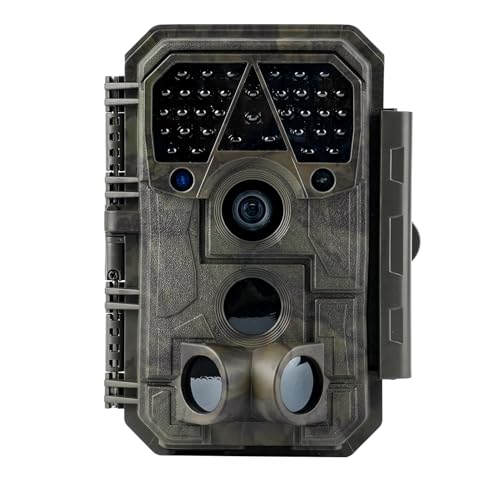
Crystal-Clear 64MP Photos & 1296p HD Video – Stunning detail day or night, thanks to advanced image tech and a high-performance f/1.6 aperture lens.

【WiFi Connectivity & App Control】Connect this WiFi trail camera via Bluetooth and download app to check wildlife activity from your phone. Preview, download, and adjust settings remotely within the camera’s WiFi range.Includes 8 AA batteries for quick setup. Memory card not included. Supports microSD cards up to 128GB.
What Happens When a Game Camera Is Triggered?
When a game camera’s PIR sensor detects movement, it triggers an immediate wake from standby. The internal light sensor then assesses ambient brightness and switches the device to either color day mode or black-and-white night mode. In night mode, an infrared flash silently illuminates the scene, as these cameras rely on invisible infrared light to see in the dark without startling wildlife. The camera’s shutter fires right away, capturing an image or starting a video recording. Camouflage techniques help keep this process discreet and prevent detection. This instant activation is especially useful for models featuring a quick connect feature, allowing for swift camera setup and retrieval. When choosing a camera, consider how its battery life compares between models like the Flex and Flex Dark, as this affects how often you need to visit the site. After recording, the camera quickly saves the data before returning to a low-power standby mode. This entire sequence, from initial detection to rest, happens in less than a second, conserving energy and extending battery life. A game engine’s camera scripts and triggers use similar logic to activate cinematic views or focus on key gameplay moments when a player enters a specific area.
How Your Game Camera Stores Photos and Videos
Once your game camera captures a photo or video, it is automatically stored on an SD card inside the unit. The capacity of this card determines how many files you can save; larger cards let you store more high-resolution images and videos before needing to transfer or delete files. When the card becomes full, the camera typically overwrites the oldest files in a loop recording setup, ensuring only the most recent activity is retained. When reviewing your stored footage, watch for small insects or dust that can appear as glowing orbs or streaks on night vision recordings.
To view your footage, you must physically remove the SD card from the camera. Be sure to power down the unit before doing so to prevent data corruption. Upgrading to a higher-capacity SD card is a popular choice for those who want to store more media between checks, especially if capturing plenty of high-definition content. Since this method relies on local storage, it remains your most dependable option in remote areas without cellular service, with your data safely stored until you retrieve it. Similar to DIY projects, ensuring you have the right SD card is a critical step for reliable storage and image quality. Should you ever need to clear your camera’s settings and start fresh, performing a factory reset is a straightforward process.
How Cameras Transmit Pictures to Your Phone
Beyond storing images on an SD card, game cameras can also send pictures directly to your phone using various wireless methods. Wireless connectivity for data transmission primarily works in three ways. A cellular camera uses a built-in modem, similar to your phone’s, to upload pictures over a mobile network to a cloud server, and any data transmitted, including photos, videos, or updates, incurs data costs. You access these images through an app, but this requires a SIM card and a data plan. The reliable connection they provide depends on a sturdy mounting solution, similar to how a cantilever scope mount functions to securely extend a scope over a rifle’s action. Alternatively, a WiFi camera creates its own local hotspot, allowing you to connect your phone directly to it. This method provides quick, local transfer without any subscription fees. Many jurisdictions have strict game camera laws that govern their use, especially on public land or during hunting seasons. For cameras without built-in WiFi, you can explore a DIY Night Vision Camera build to understand the components involved. Lastly, Bluetooth offers short-range, low-power transfer, typically within about 50 feet, ideal for saving battery. Each options makes viewing and sharing your photos more convenient than ever.

【Pre-Integrated U.S. 4G Cellular Trail Camera】 The Loatos deer camera comes ready to use out of the box with a built-in SIM, optimized for seamless operation on major U.S. networks. It ensures stable signal reception on Verizon, T-Mobile, and AT&T networks in 4G LTE areas (service is currently available within the United States). No Wi-Fi required. The SIM card enables convenient remote management, while the solar panel provides constant power, making it ideal for remote locations.

【 4G LTE Connectivity – No WiFi Needed】This SEHMUA 4G cellular trail camera comes with a pre-installed SIM that works with Verizon, AT&T, and T-Mobile – strong, reliable signal in remote areas like mountains, woodlands, and open fields. No hubs, no routers, no WiFi – just power on and it connects. Wherever you have cell signal, you can view live footage and receive instant alerts. Includes a 7-day unlimited data trial; after that, each game camera requires its own plan ($19.90/mo or $169.90/yr)

【4G LTE 2.5K Live Streaming & PIR Motion Alerts — No WiFi Required] Stay connected to your property from anywhere with 2.5K HD live streaming via the built-in 4G SIM card—no WiFi needed. Receive instant push notifications on your smartphone when motion is detected, so you can quickly check what's happening through the app. Ideal for farms, ranches, construction sites, and remote locations. Includes 100MB of free data for initial use. A paid data subscription is required for continued connectivity, and each camera needs its own separate plan. Memory card sold separately. Product for use only within the United States
How Game Cameras Survive the Elements
Your game camera is built to withstand tough weather conditions through rugged features. It features an IP66-rated housing, making it dust-tight and capable of resisting powerful water jets. To keep moisture out, you seal all seams with silicone and place desiccant packets inside to absorb any humidity. For battery life in extreme temperatures, you opt for lithium cells and consider using hand-warmers to prevent freezing in cold environments, similar to how military-grade night vision is designed for rigorous field use. The technology relies on detecting temperature differences, much like the thermal imaging used in advanced scopes. Position the camera at a downward angle under a canopy or similar shelter to protect it from direct rain and sunlight. Some hunters enable DVR mode for continuous monitoring of heavily active areas during crucial times. Regularly inspecting seals and contacts helps prevent corrosion, ensuring continued performance. Strategic placement, such as facing north to avoid sun glare, also extends the camera’s durability in outdoor settings.

【Power from Sun, Worry-Free in the Wild】Whether deep in the woods or mounted on a remote tree at a farm, this solar trail camera runs nonstop with a built-in rechargeable battery. No cables, no battery swaps—just set it up and let nature do the charging.

【Power from Sun, Worry-Free in the Wild】– Whether deep in the woods or mounted on a remote tree, this solar trail camera runs nonstop with a built-in rechargeable battery. No cables, no battery swaps—just set it up and let nature do the charging.

【Power from Sun, Worry-Free in the Wild】– Whether deep in the woods or mounted on a remote tree, Misstech solar trail cameras run nonstop with a built-in rechargeable battery. No cables, no battery swaps—just set it up and let nature do the charging.