How to Make a Camera Have Night Vision
Ever wondered how to upgrade your ordinary camera for night vision? Removing the IR-cut filter and adding an external infrared illuminator can turn your camera into a low-light or night-time device.
This simple trick is affordable and effective, but there’s also smarter software-based options to explore. Keep reading to learn exactly how you can do it.
Tools and Parts Needed for DIY Night Vision
To build a DIY night vision system, you’ll need several core components. Start with a high-sensitivity analog camera such as the Runcam Night Eagle 2 Pro, which is well-suited for low-light conditions. Pair this with a CCTV or 50mm lens for optimal clarity, and use a CS-mount adapter if the lens does not directly fit the camera. An infrared illuminator is essential for night vision; options include a 30-LED unit or 9×3 W infrared diodes. For viewing your footage, a portable display like a 3.5-inch TFT screen works well. Power management requires a battery pack—18650 lithium-ion batteries are a common choice—and a step-down voltage converter to regulate power supply. You should also consider how thermal detection differs from standard night vision when selecting your illuminator, as it relies on heat signatures rather than reflected light. Unlike thermal imagers, standard night vision amplifies ambient light to create an image, not heat emissions. Additionally, include a toggle switch to control the camera and infrared lights separately. Lens calibration is critical for achieving sharp focus; for this, you will need a lens adjustment tool. Complement your setup with basic electronics tools such as a soldering iron and wire strippers. Use heat shrink tubing for insulation, a drill for mounting components, and a project box to house the entire assembly securely. Ensuring you have all these parts before starting will streamline your build and lead to better results. Browsing price comparisons for night vision goggles can help you decide whether to purchase a pre-built unit instead.
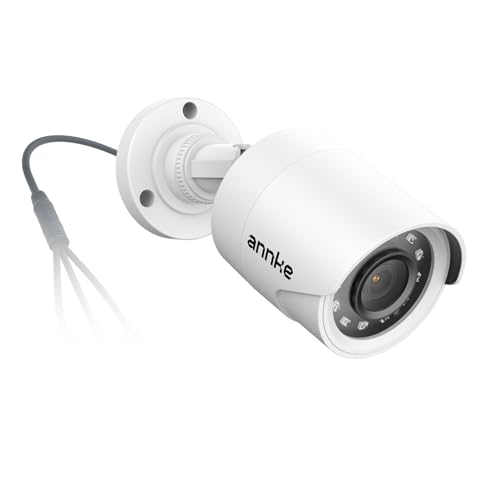
Crystal Clear 1080p Footage: With this 2MP security camera, you can see everything clearly that matters in 1080p HD, easily recognize the details you need in smooth and clear videos, leaving nothing to the imagination

【ONLY Works with 5MP and 8MP 4K DVR】- This camera does NOT work with 4MP or lower resolution DVR, only work with 5MP or 4K 8MP DVR. This camera is 5 Megapixels high definition HD TVI/CVI/AHD/960H(1000 TVL), 65ft IR night vision range. It has a 2.8mm Fixed lens with 100 degree wide Field of View (FOV) to cover large areas
Remove the IR-Cut Filter for DIY Night Vision
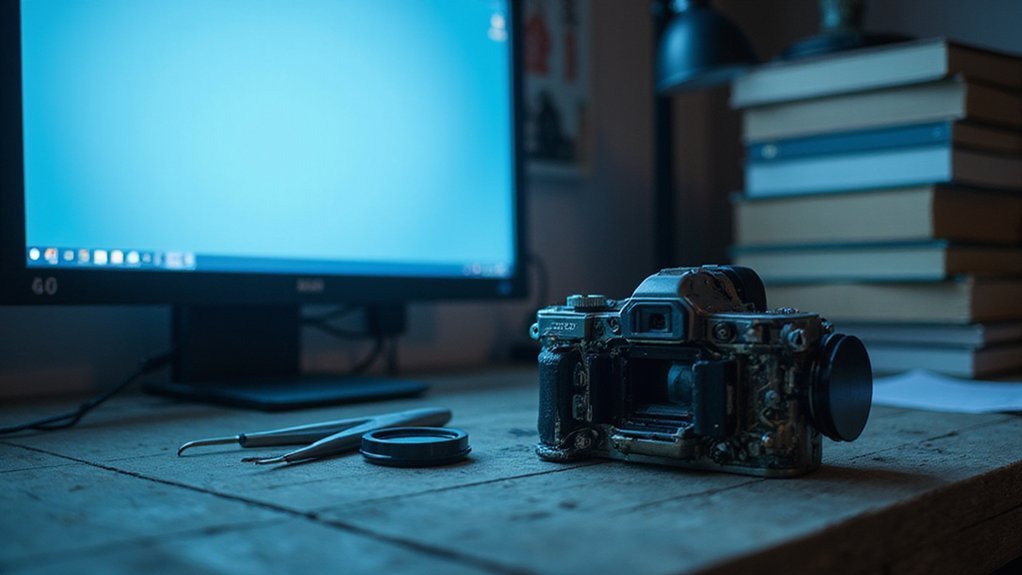
Filter placement varies: some cameras have the IR-Cut filter directly over the sensor, while others embed it within the lens assembly. If you find the filter loose, gently shake or lift it out with tweezers. For filters glued in place, carefully pry it free—using tweezers or a gentle cutting tool—but be cautious. The filter is made of brittle glass, and shards can easily damage the sensor if mishandled. Never touch or tamper with the CCD or CMOS sensor itself. Once the filter is removed, your camera’s daylight performance will decline, but it will be much more sensitive for night vision. Keep dust out by working in a clean environment and use compressed air to clean around the sensor area if necessary. Understanding game camera technology helps explain why removing the filter enhances infrared sensitivity for nocturnal use. The CCD sensor is a prominent component for image capture, so avoid any contact during this process. A similar technique is used in thermal drone builds to optimize sensor response for heat detection, not just visible light.

It's improved supression of chromatic aberrations for astrophotography applications.

Package Included: 1PCS 10mm Optical UV AR-IR CUT filter.
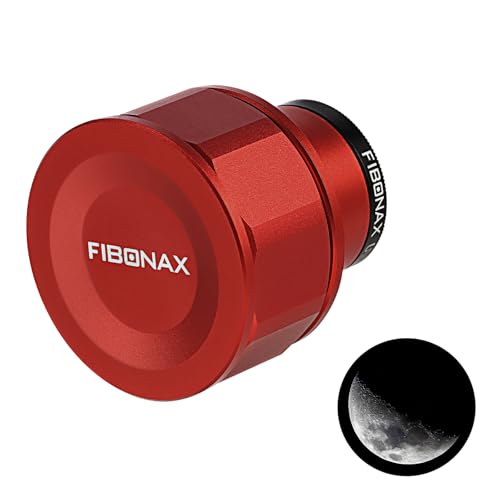
⭐ All-in-One Astrophotography Starter Kit. Includes a 1.25" USB telescope camera and UHC filter—designed to capture clearer deep-sky objects like nebulae and star clusters. A practical bundle for beginners and hobbyists.
Test Your Modified Camera With an IR Remote
To test if your camera is now detecting IR signals after removing the IR-cut filter, use an IR remote. Turn on your camera and point the remote directly at the lens. Press any button and watch the screen; a visible flash or light indicates that infrared signals are being detected. Holding the remote about two inches away helps get a clearer signal, especially if you’re using a smartphone with strong IR filtering and the room is dim. If you see a bright flash, the remote’s transmitter and batteries are functioning properly. If the light appears dim, replace the batteries. No flash at all suggests the remote might be faulty. Keep in mind, not all remotes use IR signals—try pressing the power button first to check. This test confirms the camera can now see the same invisible IR spectrum that Alfred cameras use for their built-in night vision mode.
Why You Still Need an IR Light Source for Night Vision?
Even though your camera can now detect infrared light after removing the IR-cut filter, it still needs an external IR light source to see in complete darkness because it depends on reflected light to create an image. Your camera’s reliance on ambient light means moonlight or starlight might barely be enough, but in total darkness, you’ll be blind without additional illumination. Without an IR illuminator emitting infrared light, your sensor captures only black. For hunters, this is similar to how a best headlamp must provide its own light source to see in the dark woods. Properly positioning game cameras involves placing them where they can cover the intended area without obstruction. Also, just as theatrical security teams use specialized detection tools to scan for the faint glow of hidden IR emitters, you must verify your own IR source is actively emitting to ensure visibility.
Active IR lighting solves this problem by flooding the scene with invisible infrared light, which reflects off objects and allows your camera to produce a clear image. This boosts your effective viewing range—distant objects that appear vague in low ambient light become sharp and recognizable when illuminated by your IR source. Because IR light is invisible to humans, you can operate covertly without revealing your presence. Remember, if there is no reflected IR light, your camera won’t generate an image, so always ensure your IR source is turned on when needed.

This device is only visible under night-vision device (invisible to the human naked eyes). Night Vision Supplement, NOT Lighting. Use advanced infrared LED that emits 5W powerful infrared 940nm light which is INVISIBLE to the naked eyes. Using an IR light in conjunction will help you with not just aiming, but quick target acquisition as well. IR laser beam Class IIIA <5mw Safe Laser Output.
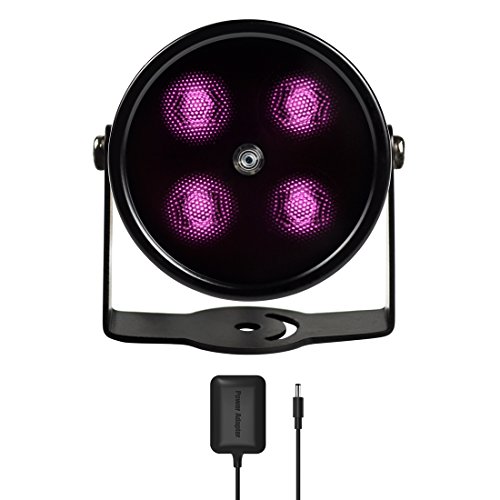
SPECIAL - Upgraded from the most classic mini 4 LEDs IR illuminator with all-around better materials and first ever in black coating

【850nm IR Flashlight Module】850nm IR LED Light Invisible Module Utilizes the Most Advanced IR BLACK LED with Latest Chip Technology, High Efficiency, Low Thermal Resistance,5 Watt of Optical Power. Emits Night Vision IR Light with 850nm Wavelength, Suitable to Use with a Night Vision Scope, NVS, NVG DIY, Camera Phones, Monocular, Goggles and Camera Which Doesn't Block Infrared Light.(Note: IR Night Vision Flashlight is Not an Ordinary Lumen Flashlight, Don't buy it Wrong)
What Happens to Color and Normal Photography
When you switch to night vision, your camera can still capture color through specific techniques, but with limitations. If you use a long exposure or increase the ISO, your camera can preserve much of the scene’s color, capturing hues your eyes might miss in low light, such as subtle reds or greens in shadows. However, this comes with the risk of image noise, which appears as grainy spots that can reduce clarity and detail. Proper exposure settings and noise reduction methods help balance color fidelity against noise, but eliminating noise entirely isn’t possible. In a video, the shutter speed cannot be increased beyond the frame rate, which restricts the amount of light gathered and thus the color display. Different types of night vision goggles, such as digital versus analog systems, can affect how well color is preserved in these conditions.
If you use infrared night vision, color is ultimately lost. The sensor detects only one wavelength of light, producing a black-and-white image. This means you see scenes in monochrome, regardless of how high your ISO or exposure settings are. So, while you can often see more color than your eyes perceive in darkness, especially with adjusted camera settings, infrared systems sacrifice color entirely for improved visibility in complete darkness. Unlike a dedicated thermal camera, which senses heat rather than light, an infrared night vision system still relies on ambient illumination or an IR source to create an image. A cantilever scope mount functions similarly by using an offset design to shift the optic forward for proper eye relief on rifles with limited rail space.

【5K Cinematic Clarity & Versatility】 This digital camera captures stunning 5K/20fps videos (also 4K/60fps) and 64MP photos with a high-sensitivity CMOS sensor. Perfect for vlogging, travel films, podcast recording, family events, and interviews, delivering cinema-grade detail even in motion.
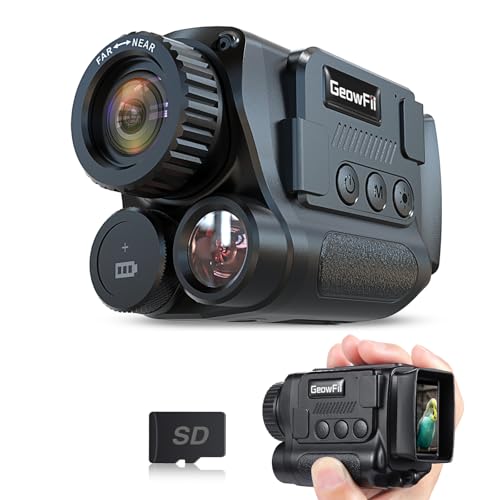
4K Upgraded & Practical—— GeowFiiTech Night Vision Monocular features a 4K version with a 25mm multi-coated lens, enhancing imaging for day and night use. With 4K video, 40MP photos, and essential functions, this monocular night vision meets outdoor needs effectively

4K & 64MP Video Camera Camcorder: Capture life in breathtaking detail with 4K Ultra HD recording and vibrant 64MP photos, powered by an advanced high-sensitivity CMOS sensor. Equipped for exploring the beautiful world, this video camera is your perfect companion! Ideal for video recording, travel vlogs, family activities, interviews, studying, and cherishing precious moments
When Software Night Vision Is the Better Alternative
Software night vision is often the better choice because it offers superior hardware compatibility. Instead of relying on specialized image-intensifier gear, you can turn existing CMOS cameras—including those in smartphones—into effective night-vision devices. This approach not only reduces costs but also allows easier integration into current security systems or surveillance setups. Unlike digital night vision that can experience latency issues and rely heavily on IR illumination, software solutions based on standard hardware avoid motion sickness and function effectively without constant IR light exposure. This makes them a more affordable option when considering the cost of night vision binoculars and related hardware expenses. These systems leverage advanced image processing to enhance low-light footage without requiring mechanical upgrades. For instance, software solutions can often outperform thermal cameras in mixed-lighting scenarios where thermal contrast is minimal.
It adapts seamlessly to a variety of lighting conditions, from faint moonlight to artificial spill lights. Digital processing enables the system to handle mixed-light environments where traditional tube-based systems might struggle or completely fail. Additionally, software night vision typically includes features like recording footage and analytics, which enhance security monitoring and alert capabilities.
Because it runs on standard hardware, your system remains rugged and daylight-tolerant, operating continuously without the need for frequent equipment swaps or upgrades. When you need color fidelity, adaptability to changing conditions, and cost-effective solutions, software night vision proves to be the most practical and versatile option.

2K HIGH DEFINITION: Capture every detail inside your home with crystal-clear 2K high definition video with this indoor security camera. Easily see what your baby is holding or what your pet is playing with. 2.4 GHz Wi-Fi required.

Crystal 2K Resolution & 360° Monitoring: Cinnado indoor security camera provides super clear 2K FHD live stream which allows you to monitor your pets or babies in clear details. With pan and tilt functions, 360° Coverage on your phone to remotely control the indoor camera and monitor every corner of your home in real time. The pet camera is equipped with 4 940nm IR lights, you can clearly see your baby and pets every move even at night. *Wired indoor camera, not cordless/battery camera

【2K High Definition】Capture every detail inside your home with crystal-clear 2K high definition video with this indoor security camera. Easily see what your baby is holding or what your pet is playing with. Connects via 2.4GHz Wi-Fi Band